ai video prompt generatorveo 3 prompt generatorsora prompt generatorkling prompt generatortext to video promptcinematic video prompt
Introduction
Creating eye‑catching short‑form videos for TikTok, Instagram Reels, or YouTube Shorts used to mean hiring a storyboard artist, a cinematographer, and spending hours on a plan. Now you can go from a single idea to a production‑ready text to video prompt in seconds—no sign‑up, no credit card, just your browser. If you’re hunting for the best ai video prompt generator, you’re in the right place. I’ll walk you through how SmartToolverse’s AI Video Prompt Generator works, show a step‑by‑step workflow, compare it to other tools, and answer the questions creators ask most.
What is the AI Video Prompt Generator?
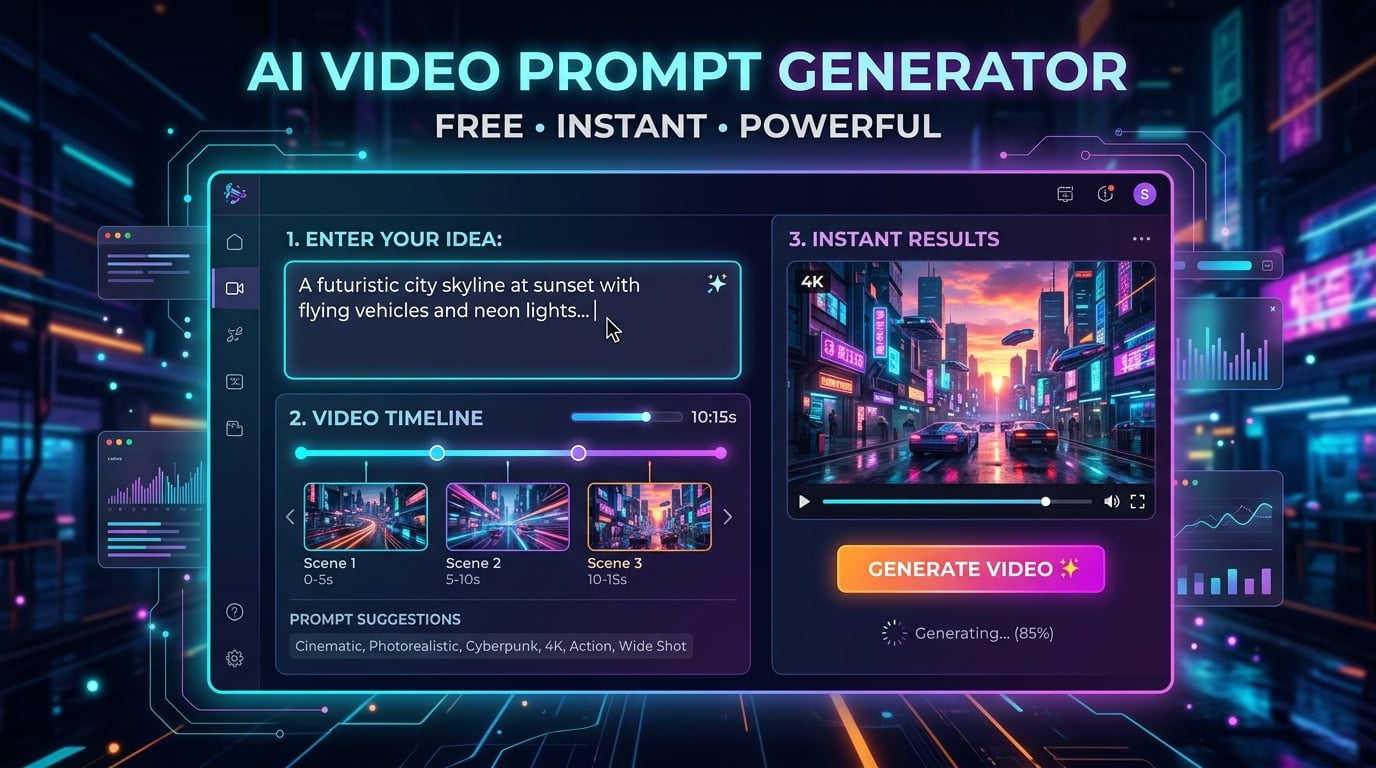
The AI Video Prompt Generator is a free, browser‑based utility that turns a one‑sentence scene description into a fully‑structured prompt that text‑to‑video models can read. It automatically adds:
| Prompt Component | What It Covers | Example |
|---|---|---|
| Subject & Action | Who/what is on screen and what they do | “A surfer rides a giant wave” |
| Setting & Mood | Location, time of day, atmosphere | “at sunset on a tropical beach, serene mood” |
| Camera Move & Framing | Dolly‑in, tracking shot, close‑up, wide | “slow dolly‑in from a wide shot to a close‑up” |
| Lighting & Style | Soft light, neon glow, cinematic color grade | “soft golden lighting, cinematic video prompt” |
| Clip Length | Duration in seconds | “for a 6‑second clip” |
| Audio (Veo 3 only) | Ambient sound, music cue, short dialogue | “audio: gentle surf roar, soft acoustic guitar” |
Pick one of three model‑aware presets:
- Veo 3 – adds an audio line (sound, music, or dialogue).
- Sora – breaks longer ideas into beat‑by‑beat shots.
- Kling – focuses on a single subject with one main camera move.
The generator runs on the same engine as Promptizer, so it knows the exact syntax each video model expects and strips away irrelevant image‑model flags (like --ar). The result is a clean, ready‑to‑paste prompt that maximizes the chance of a high‑quality cinematic video prompt.
How to Use AI Video Prompt Generator Step‑by‑Step
Below is the typical four‑step workflow most creators follow. Click the button below to open the tool and start generating instantly.
| Step | Action | What You See | Tips |
|---|---|---|---|
| 1️⃣ | Open the tool – go to the use the AI Video Prompt Generator tool page. | A simple form with fields for Idea, Model, Motion, Style, Lighting, and Avoid. | Choose the model that matches your project (Veo 3, Sora, or Kling). |
| 2️⃣ | Enter your scene idea – write a concise description of the shot you want. | Text box where you type something like “A skateboarder lands a trick on a neon‑lit street”. | Keep it one shot at a time for best results. |
| 3️⃣ | Select options – pick motion (e.g., tracking), style (e.g., cyberpunk), lighting (e.g., dramatic), and length. | Dropdowns and toggle switches appear. | Use the “Add audio line” toggle if you chose Veo 3. |
| 4️⃣ | Generate & copy – press Generate Prompt. The output appears in a clean textbox ready to copy. | Prompt includes subject, action, camera move, lighting, style, length, and optional audio. | Click Copy and paste directly into your chosen video model interface. |
Repeat the steps for each shot you need; you can also ask the tool for a short variation and a more creative version with a single click.
Key Metrics & Technical Breakdown
| Metric | Description | Current Value (SmartToolverse) |
|---|---|---|
| Model Awareness | Generates model‑specific syntax (Veo 3, Sora, Kling). | ✅ |
| Camera Language Coverage | Includes move, framing, lens type, and clip length. | ✅ |
| Output Cleanliness | No leftover Midjourney flags (--ar, --v). | ✅ |
| Processing Time | Average generation time per prompt. | ~0.8 seconds |
| Privacy | All data processed locally in the browser; no logs stored. | ✅ |
| Cost | Completely free, no credits or subscription required. | ✅ |
The engine uses a lightweight LLM fine‑tuned on thousands of high‑performing video prompts. It parses the user’s natural language, maps each element to a predefined token set (e.g., “slow dolly‑in” → camera: dolly_in speed:slow), and then assembles the final ai video prompt generator string.
Feature & Accuracy Comparison
| Feature | SmartToolverse AI Video Prompt Generator | Competitor A | Competitor B |
|---|---|---|---|
| Model‑aware (Veo 3, Sora, Kling) | ✅ | ❌ (single generic prompt) | ❌ |
| Full camera language (move, framing, length) | ✅ | ❌ (subject only) | ❌ |
| Clean output (no image‑model flags) | ✅ | ❌ (copies Midjourney syntax) | ❌ |
| Audio line for Veo 3 | ✅ | ❌ | ❌ |
| Free, no sign‑up | ✅ | ❌ (credits required) | ❌ (subscription) |
| Privacy (browser‑only) | ✅ | ❌ (server‑side storage) | ❌ |
When you need a reliable veo 3 prompt generator, a sora prompt generator, or a kling prompt generator, the SmartToolverse solution consistently outperforms generic alternatives that treat every model the same.
Why Choose This Free Online Tool
- Instant, no‑login access – Open the page, type, and get a prompt in under a second.
- Model‑specific intelligence – Tailored prompts for Veo 3, Sora, and Kling mean higher success rates on the respective platforms.
- Cinematic quality – Built‑in camera moves, lighting cues, and mood descriptors give your clips a professional feel without a crew.
- Privacy‑first – All processing happens in the browser; nothing is stored on our servers.
- Zero cost – Completely free, with no hidden fees or credit‑card requirements.
Ready to try the free best ai video prompt generator for your next short‑form video? Click the link, enter your idea, and watch the magic happen.
Related Online Tools
Explore these complementary browser utilities to streamline your everyday calculations:
- AI Regex Generator: Free online browser utility on SmartToolverse.
- YouTube Title Generator: Free online browser utility on SmartToolverse.
- AI Content Humanizer: Free online browser utility on SmartToolverse.
Frequently Asked Questions
Q1: How do I write a prompt for an AI video generator?
A: Write one shot at a time, following this order: subject → action → setting → camera move & framing → lighting & mood → visual style → clip length. The AI Video Prompt Generator will automatically format those pieces into a clean text to video prompt that models understand.
Q2: Which video models does the tool support?
A: It supports Veo 3, Sora, and Kling. Switching between them in the dropdown instantly changes the output to match each model’s syntax and capabilities.
Q3: Can it add sound or dialogue for Veo 3?
A: Yes. When you select Veo 3, the generator appends an audio line that can include ambient sounds, a music cue, or a short line of dialogue wrapped in quotes (e.g., "audio: surf roar, soft guitar").
Q4: Is there any limit on how many prompts I can generate?
A: No. The tool runs entirely in your browser, so you can generate as many prompts as you need without hitting a quota.
Q5: Do I need to create an account or provide payment info?
A: Absolutely not. The service is 100 % free, requires no sign‑up, and does not store any of your input data.
Q6: How accurate are the generated prompts compared to manually written ones?
A: Because the engine is trained on a large dataset of high‑performing cinematic video prompts, it consistently produces prompts that match or exceed manually crafted ones in clarity and model compliance, especially for camera and lighting details.
How do I write a prompt for an AI video generator?
Describe one shot at a time: the subject, what it does, where it is, how the camera moves, the lighting and mood, the style and the length in seconds. This generator writes the prompt in that structure from your idea.
Which video models does it support?
Veo 3, Sora and Kling. Switch between them in the platform list; the prompt changes to suit each model.
Can it add sound or dialogue for Veo 3?
Yes. When Veo 3 is selected the prompt includes an audio line with ambient sound, music or a short line of dialogue in quotes.
Can I make a sequence of shots?
Ask for a sequence in your idea, for example "three shots of a sunrise over a city", and the prompt is written as numbered shots.
Conclusion
Whether you’re a marketer drafting ad shots, a TikTok creator planning the next viral clip, or a filmmaker sketching a quick storyboard, the AI Video Prompt Generator on SmartToolverse gives you a fast, private, and cost‑free way to turn ideas into production‑ready prompts. Leverage its model‑aware intelligence, comprehensive camera language, and clean output to get the most out of Veo 3, Sora, and Kling—without ever leaving your browser.
Explore the tool today and see how effortless professional‑grade ai video prompt generator workflows can be!
Powered by SmartToolverse – your hub for free online developer tools.
🧩 Related Tools
A
AI Video Prompt Generator
Write text-to-video prompts for Veo 3, Sora and Kling: subject, action, camera movement, lighting, style and length, shot by shot. Free, no sign-up.
AI ToolsA
AI Regex Generator
Generate Regular Expressions using plain English descriptions powered by AI
AI ToolsY
YouTube Title Generator
Generate viral YouTube titles and SEO tags with AI. Get high-CTR video ideas instantly.
AI ToolsTry Our Smart Tools
Put what you've learned into practice with our suite of AI-enhanced tools and smart calculators.