Introduction
Converting binary to decimal is something you do every day, whether you’re a student, a dev, or a network engineer.
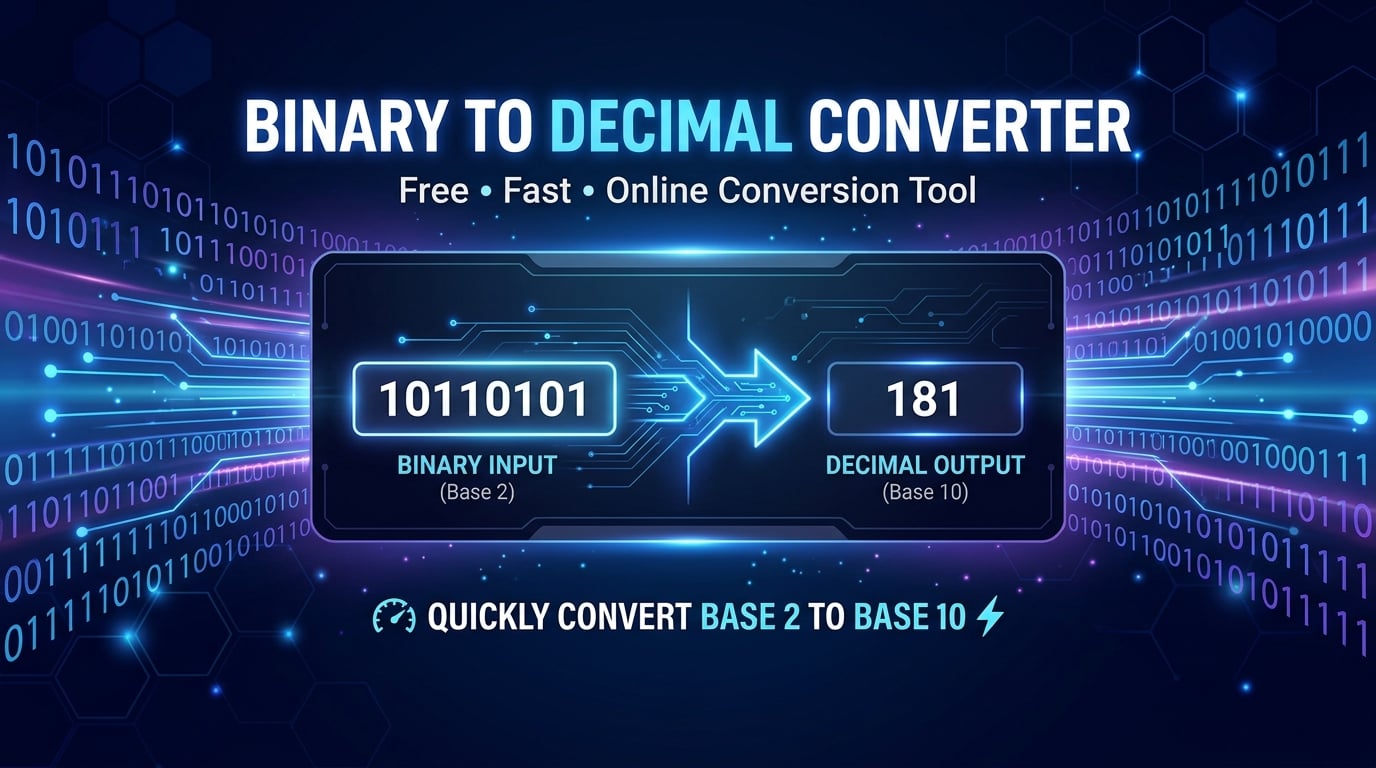
Our free online binary to decimal converter lets you paste any binary string—8‑bit, 64‑bit, or a fraction like 1011.01—and instantly see the decimal value. The result comes with a step‑by‑step breakdown so you can see the math behind it.
Because everything runs in your browser, there’s zero lag, no sign‑up, and 100 % privacy. If you’re searching for a “binary to decimal calculator,” a “binary decimal converter,” or a “binary to denary converter,” this tool has you covered.
What is the Binary to Decimal Converter?
A binary to decimal converter is a web‑based utility that changes numbers written in base‑2 to base‑10.
On SmartToolverse the converter runs entirely on the client side using JavaScript’s BigInt, so:
- Instant results – all work happens locally, no server round‑trip.
- Unlimited precision – supports 64‑bit and larger binary strings without overflow.
- Privacy‑first – your input never leaves the browser; no cookies, no accounts.
- Fraction support – handles binary fractions (e.g.,
1001.01) and outputs decimal fractions.
The tool follows the classic positional‑notation algorithm: each bit is multiplied by 2 raised to the power of its position index (starting from 0 on the right) and all products are summed.
How to Use Binary to Decimal Converter Step‑by‑Step
| Step | Action | What You See |
|---|---|---|
| 1 | Open the tool – navigate to the page. | A clean input box labeled “Binary Input”. |
| 2 | Enter your binary string – type or paste (e.g., 11010101 or 1010.11). Real‑time validation highlights illegal characters. | The input turns green when valid. |
| 3 | Click “Convert” – or press Enter. | The decimal result appears instantly, and a step‑by‑step math breakdown shows each power‑of‑2 contribution. |
| 4 | Copy or share – use the copy button or download the breakdown as text. | You can paste the result into any document or IDE. |
👉 Want to try it now? use the Binary to Decimal Converter tool and watch the math unfold.
Key Metrics & Technical Breakdown
| Metric | Value / Description | Why It Matters |
|---|---|---|
| Execution Environment | Pure JavaScript in the browser (no server). | Zero latency, full privacy. |
| Precision | BigInt for integers; custom rational handling for fractions. | No overflow on 64‑bit or larger numbers. |
| Supported Formats | Whole numbers, signed two’s‑complement, fractional binary (. separator). | Flexible for all use cases (IP addresses, registers, homework). |
| Input Validation | Regex ^[01]+(\.[01]+)?$ with live feedback. | Prevents NaN errors and user frustration. |
| Performance | O(n) where n = length of binary string; typical conversion < 5 ms for 256‑bit input. | Fast even for massive strings. |
| Accessibility | ARIA labels, keyboard navigation, high‑contrast mode. | Inclusive for all users. |
Feature & Accuracy Comparison
| Feature | SmartToolverse Binary to Decimal Converter | Competitor A | Competitor B |
|---|---|---|---|
| 4‑in‑1 Base Conversion (binary, decimal, hex, octal) | ✅ Simultaneous | ❌ Single pair only | ❌ Single pair only |
| Step‑by‑Step Math | ✅ Shows each 2ⁿ term | ❌ Only final number | ❌ Only final number |
| Arbitrary Precision | ✅ Handles > 64‑bit via BigInt | ❌ Overflows at 32‑bit | ❌ Overflows at 64‑bit |
| Real‑time Validation | ✅ Blocks invalid digits instantly | ❌ Returns “NaN” after submit | ❌ Returns “Error” after submit |
| Privacy | ✅ All calculations client‑side | ❌ Sends data to server | ❌ Sends data to server |
| Cost | ✅ 100 % free, no ads | ❌ Freemium, limited uses | ❌ Paid subscription |
Why Choose This Free Online Tool
- Speed – instant, zero‑latency conversion because everything runs in your browser.
- Privacy – no data is ever transmitted; perfect for confidential binary streams.
- No Account Required – jump straight to conversion; ideal for quick look‑ups.
- Comprehensive Output – besides the decimal value, you get a detailed breakdown that teaches the underlying math.
- Cross‑Platform – works on any modern desktop or mobile browser.
If you need a reliable free binary to decimal converter for homework, debugging, or network configuration, this is the tool that delivers accuracy without compromise.
Related Online Tools
Explore these complementary browser utilities to streamline your everyday calculations:
- Percentage Calculator: Free online browser utility on SmartToolverse.
- Age Calculator: Free online browser utility on SmartToolverse.
- Word Counter: Free online browser utility on SmartToolverse.
Key Concepts & Search Focus
To provide comprehensive coverage, this guide integrates direct insights for:
- binary translator to decimal: Practical methodologies and best-practice workflows incorporated into our Binary to Decimal Converter.
Frequently Asked Questions
1. How do you convert binary to decimal manually?
Multiply each binary digit by 2 raised to the power of its position index (starting from 0 on the right) and sum the results. Example: 1011 → (1·2³) + (0·2²) + (1·2¹) + (1·2⁰) = 8 + 0 + 2 + 1 = 11 in decimal.
2. What is the difference between binary, decimal, and hexadecimal?
Binary (base‑2) uses digits 0 and 1.
Decimal (base‑10) uses digits 0‑9 and is the standard human counting system.
Hexadecimal (base‑16) uses digits 0‑9 and letters A‑F; each hex digit equals four binary bits, making it a concise way to represent binary data.
3. Can I convert large binary numbers without precision loss?
Yes. The converter uses JavaScript’s BigInt, which can represent integers far beyond the 64‑bit limit, guaranteeing exact results for very large binary strings.
4. Does the tool handle binary fractions?
Absolutely. Enter a binary number with a dot (e.g., 1101.101) and the converter will output the decimal equivalent, showing the contribution of each fractional bit (2⁻¹, 2⁻², …) in the step‑by‑step breakdown.
5. Is there any limit on how many conversions I can perform?
No. The service is unlimited and free; you can convert as many binary strings as you need during a single session.
6. How does the tool ensure privacy?
All calculations happen locally in your browser using client‑side JavaScript. No data is sent to a server, stored in cookies, or logged anywhere, guaranteeing complete confidentiality.
Built by SmartToolverse, the premier suite of free, instant, privacy‑first developer utilities. Enjoy fast, accurate conversions every time.
How do you convert binary to decimal manually?
Multiply each binary digit by 2 raised to the power of its position index (starting from 0 on the right), then sum the results. For example: 1011 in binary = (12^3) + (02^2) + (12^1) + (12^0) = 8 + 0 + 2 + 1 = 11 in decimal.
What is the difference between binary, decimal, and hexadecimal?
Binary is Base-2 (digits 0-1), Decimal is Base-10 (digits 0-9), and Hexadecimal is Base-16 (digits 0-9 and A-F). Hex is commonly used in computing as a human-readable shorthand for 4-bit binary nibbles.
Can I convert large binary numbers without precision loss?
Yes. Our engine uses JavaScript BigInt arithmetic to convert large binary strings beyond standard 32-bit limits without truncation.
Does this tool support signed binary numbers (Two's Complement)?
The converter displays unsigned representations alongside 8-bit, 16-bit, and 32-bit two's complement interpretations for systems programming.
Try Our Smart Tools
Put what you've learned into practice with our suite of AI-enhanced tools and smart calculators.