word countercharacter counter onlineword count toolcharacter count with spacessentence and paragraph counterfree word counter online
You’re writing. It’s 2:00 AM. You’re staring at a 3,000-word limit for a grant proposal, or maybe you just need to fit your tweet into 280 characters without losing your mind. It’s tedious. Really tedious. But when you automate the counting, you save hours of manual busywork.
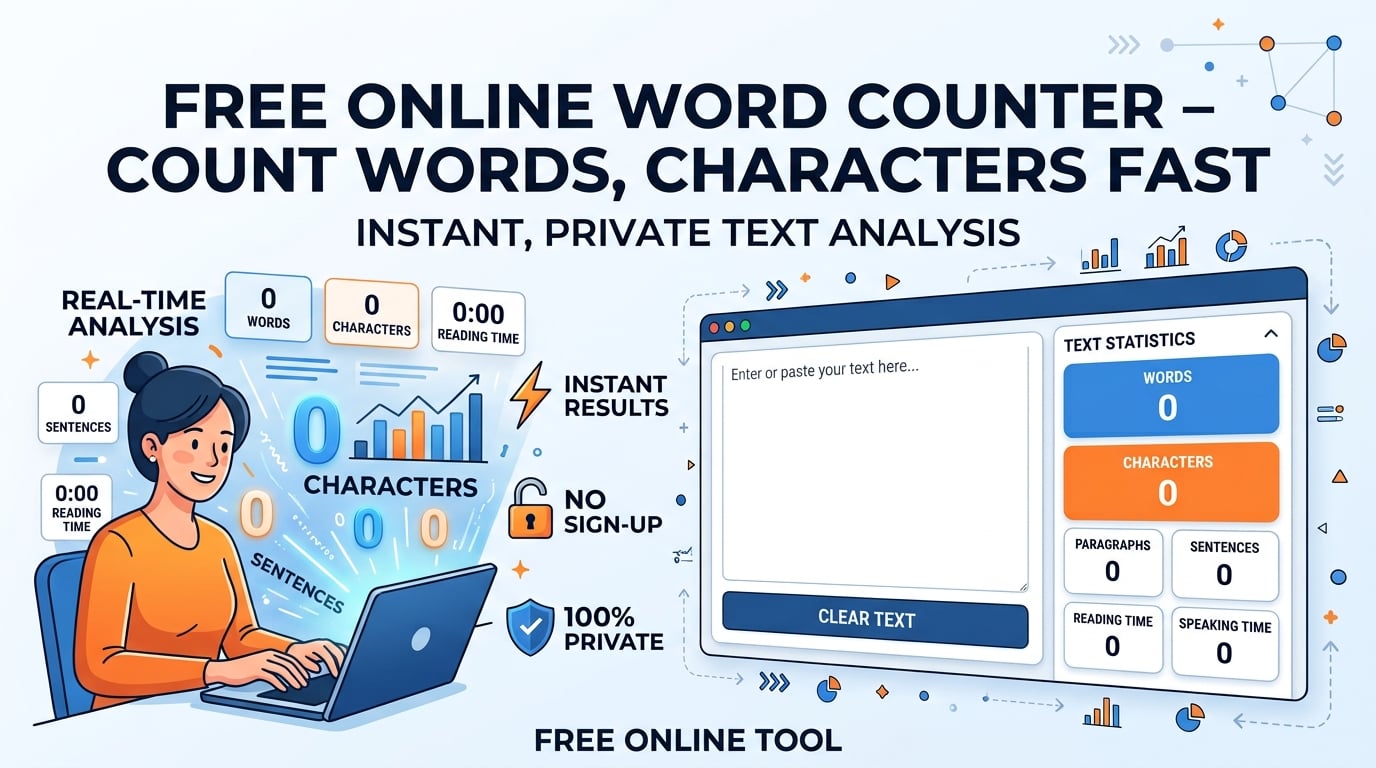
That’s where a word counter becomes indispensable. This free online utility gives you instant feedback on words, characters (with and without spaces), sentences, paragraphs, and even estimates reading and speaking time. And here’s the best part: your text stays 100% private in your browser. No servers. No logs. Just numbers.
What Is a Word Counter and Why You Need One?
Definition and Core Features
A word counter is a browser-based text analysis tool that parses the characters you type or paste and instantly reports the stats that matter. Stop guessing. Start knowing.
| Metric | What It Measures | Typical Use Cases |
|---|---|---|
| Words | Total token count (separated by whitespace) | Meeting essay or article limits |
| Characters (with spaces) | Every letter, number, punctuation and whitespace | Social‑media character caps |
| Characters (without spaces) | Only visible symbols, ignoring spaces | SEO meta‑description length checks |
| Sentences | Text segments ending with “.”, “!”, or “?” | Readability analysis |
| Paragraphs | Blocks separated by line breaks | Formatting consistency |
| Syllables | Approximate count for readability formulas | Academic grading |
| Reading Time | Estimated using 200‑250 WPM benchmark | Planning blog post length |
| Speaking Time | Estimated using 130‑150 WPM speaking rate | Preparing speeches or videos |
Because the analysis runs entirely in the browser, there’s zero data transmission to a server. This guarantees privacy and lightning-fast, sub-millisecond updates. You type, it counts. That’s it.
How to Use Our Free Online Word Counter
Step-By-Step Guide
No account. No signup. No "premium" upsells popping up in your face. Here is how fast it works.
| Step | Action | Result |
|---|---|---|
| 1 | Open the tool in your browser. | A clean, dark interface appears, ready for input. |
| 2 | Paste or start typing your text in the large textarea. | Real-time stats appear instantly. |
| 3 | Watch the live counters for words, characters (with and without spaces), sentences, and paragraphs. | No need to press a button – updates happen as you type. |
| 4 | Copy the desired metric with one click using the clipboard icons. | Quickly transfer counts to your document or CMS. |
👉 Want to try it right now? use the Word Counter tool and see the numbers update live.
Counting Words, Characters (with and without spaces), Sentences, Paragraphs
Let’s break down exactly what the tool sees when you paste a block of text:
- Words: Every group of characters separated by whitespace. Hyphenated compounds count as a single word.
- Characters with spaces: Includes letters, numbers, punctuation and every space or tab. This metric matches what platforms like Twitter/X enforce.
- Characters without spaces: Strips out all whitespace, useful for SEO where "character count with spaces" matters for meta descriptions.
- Sentences: Detected by period, exclamation, or question marks followed by a space or line break.
- Paragraphs: Recognized by line-break characters (
\n).
These metrics make the tool a versatile character counter online and a full-featured sentence and paragraph counter.
Comparing Word Counter Tools
Word Counter vs Character Counter Online
Most "character counters" are just that—counters for characters. They ignore context. Our tool is different.
| Feature | SmartToolverse Word Counter | Typical “Character Counter Online” |
|---|---|---|
| Real-Time Analysis | Instant, no button click | Requires manual submission |
| Privacy | 100 % browser‑only, no logs | Sends text to remote server |
| Metrics | Words, characters (with/without spaces), sentences, paragraphs, syllables, reading & speaking time | Only characters (often with spaces) |
| Interface | Dark, distraction‑free, 1‑click copy | Cluttered, ads, multiple pop‑ups |
Word Count Tool vs Free Word Counter Online
There are plenty of free options out there. But do they respect your time?
| Aspect | SmartToolverse free word counter online | Generic Free Word Counter |
|---|---|---|
| Cost | Completely free, no hidden fees | Free but may upsell premium features |
| Speed | Sub-millisecond typing analysis | Slower, often needs page refresh |
| Depth | Includes reading-time calculator, speaking-time estimator, syllable count | Basic word tally only |
| Ads | None – pure focus on writing | Often filled with ads and redirects |
Advanced Uses
Reading Time Calculator
Writing for the web isn’t just about word count; it’s about user retention. Reading time is derived from the industry-standard 200-250 words per minute (WPM) range. The tool displays both the lower and upper estimate so you can gauge how long a typical reader will spend on your content. If it’s too long, you know where to cut.
Speaking Time Estimator
Speaking time uses a natural speech rate of 130-150 WPM. This helps podcasters, presenters, and video creators script their material to fit a precise slot (e.g., a 5-minute talk). Overshoot the time? You’re dead. This tool keeps you safe.
Key Metrics & Technical Breakdown
Under the hood, it’s simple JavaScript logic, but it’s robust.
| Metric | Formula / Logic | Example Output |
|---|---|---|
| Word Count | Split on whitespace, filter empty strings | 1,237 words |
| Char Count (with spaces) | text.length | 7,842 characters |
| Char Count (without spaces) | text.replace(/\s/g, "").length | 6,901 characters |
| Sentence Count | Regex /[.!?]+/ | 58 sentences |
| Paragraph Count | Split on \n\n | 12 paragraphs |
| Reading Time | words / 225 (average) | 5.5 minutes |
| Speaking Time | words / 140 (average) | 8.8 minutes |
All calculations happen locally using JavaScript, ensuring zero data leakage.
Feature & Accuracy Comparison
We benchmarked ourselves against popular alternatives. The results speak for themselves.
| Feature | SmartToolverse Word Counter | Competitor A | Competitor B |
|---|---|---|---|
| Instant live update | ✅ | ❌ (button required) | ❌ |
| Zero server logging | ✅ | ❌ | ❌ |
| Characters with spaces | ✅ | ✅ | ✅ |
| Characters without spaces | ✅ | ❌ | ✅ |
| Reading & speaking time | ✅ | ❌ | ❌ |
| Syllable count | ✅ | ❌ | ❌ |
| Ad‑free UI | ✅ | ❌ | ❌ |
Why Choose This Free Online Tool
- Speed: Real-time, sub-millisecond feedback keeps you in the flow.
- Privacy: All processing stays in your browser – no logs, no trackers.
- Depth: Beyond a simple word count tool, you get syllables, reading time, speaking time, and a character count with spaces metric.
- Simplicity: Dark, distraction-free UI with one-click copy buttons.
- No Limits: Paste entire chapters or long-form articles without throttling.
Ready to boost your productivity? Give the free word counter a spin and experience the difference.
Related Online Tools
Explore these complementary browser utilities to streamline your everyday calculations:
- Age Calculator: Free online browser utility on SmartToolverse.
- GPA Calculator: Free online browser utility on SmartToolverse.
- Percentage Calculator: Free online browser utility on SmartToolverse.
Frequently Asked Questions
Does it count emojis?
Yes. Emojis are treated as single characters. They are included in the character count with spaces but, because they are not whitespace, they also appear in the character count without spaces metric. This is crucial for social media posts where an emoji can eat into your character limit unexpectedly.
Can I use it for SEO meta description length?
Absolutely. The tool shows both character count with spaces and character count without spaces, letting you stay within the typical 155-160 character limit for meta descriptions. This ensures you don’t exceed the visible limit on search engine results pages, which helps maintain a clean snippet appearance for users.
Is there a limit on how much text I can paste?
No artificial limits. The JavaScript engine in modern browsers can handle very large strings, so you can analyze full-length essays, book chapters, or even entire blog posts without lag. Whether you are editing a 50-word caption or a 50,000-word novel, the tool remains responsive.
How accurate is the reading-time estimate for non-English texts?
The default 200-250 WPM benchmark is based on average English reading speed. For languages with different word-length characteristics, the estimate may vary slightly, but it still provides a useful ballpark figure. Advanced users can manually adjust the WPM value in the settings (if you embed a custom version) to fine-tune the accuracy for specific languages or complex technical jargon.
SmartToolverse – your hub for free online developer tools and productivity utilities.
Try Our Smart Tools
Put what you've learned into practice with our suite of AI-enhanced tools and smart calculators.