birthday counterbirthday countdown clockhow many hours till my birthdaybirthday countdown timermidnight birthday countdownhow many months until my birthdaybirthday calculator countdown
You’re staring at the calendar. Or maybe you’re just scrolling through your phone, distracted, waiting for that specific day to arrive.
Planning a surprise party? Tracking a major milestone? Or are you just itching to know exactly how many hours till my birthday?
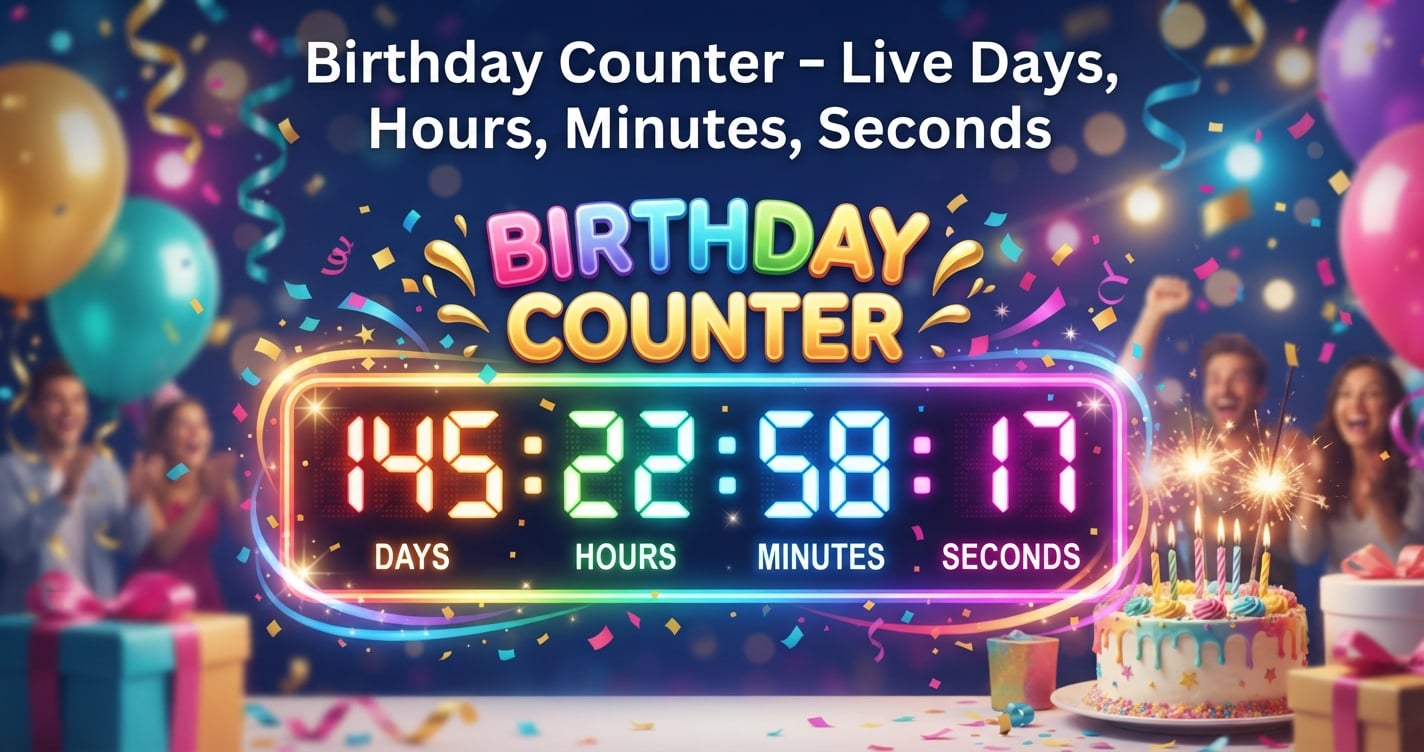
If you want an answer right now, stop guessing. A real-time birthday counter gives you a second-by-second view of the time left. No sign-up. No data collection. Just a private, browser-based countdown that starts ticking the moment you load the page.
In this guide, we’ll break down how a birthday countdown clock actually works behind the scenes. We’ll walk you through the manual math (for the curious), show you how to get the most out of SmartToolverse’s free Birthday Countdown tool, and see how it stacks up against other date utilities.
What is a Birthday Counter and How Does It Work?
The mechanics of a live countdown
At its core, a birthday counter is a JavaScript widget. It doesn’t rely on a server. It’s lightweight and fast. Here is the step-by-step process:
- Reads the Clock: It grabs the current date and time directly from your device.
- Grabs Your Date: It takes your birth month and day (the year is optional).
- Does the Math: It calculates the exact difference between "now" and midnight on your upcoming birthday, respecting your local time zone.
- Shows the Result: It displays the remaining days, hours, minutes, and seconds. The numbers tick down smoothly every second.
Because this calculation happens entirely in your browser, the timer never needs a refresh. Once loaded, it works even if your internet drops.
Why use a live counter?
You might think, "I can just count the days." Sure. But a live counter offers more:
- Instant Clarity: See the countdown immediately. No mental math required.
- Precision: It’s accurate to the second. It kills the guesswork of "a few days left."
- Milestone Tracking: It shows which day of the week your birthday falls on for the next ten years. It also flags big ages like 18, 21, 30, and 50.
- Privacy: Your birthdate stays in your browser’s local storage. SmartToolverse doesn’t log it. It doesn’t sell it.
- Auto-Reset: When the timer hits zero, it doesn’t break. It instantly switches to next year’s birthday.
How to Calculate the Time Left (Manually vs. Automatically)
The manual way (Do the math yourself)
If you’re a math nerd or just want to understand the tech, here’s how you can calculate it by hand. It’s tedious. Really tedious. But here’s how it’s done:
- Get Today’s Timestamp: Find today’s date and time in Unix format (seconds since Jan 1, 1970).
- Get Birthday Timestamp: Find the Unix timestamp for your next birthday at 00:00:00.
- Subtract: Current Date & Time minus Birthday Date & Time equals the total seconds remaining.
- Break It Down:
- Days: Total seconds ÷ 86,400
- Hours: Remainder ÷ 3,600
- Minutes: Remainder ÷ 60
- Seconds: What’s left?
Here’s the catch. This is error-prone. Daylight Saving Time (DST) shifts and leap years can mess up the calculation if you aren’t careful.
The easy way (Let the browser do it)
Do you really want to do that math? Probably not. That’s why the tool exists.
- Open the Birthday Countdown page.
- Pick your birth month and day from the dropdowns.
- Click Start.
- Watch the live birthday countdown timer appear.
You can even copy a share link or embed code if you want to display the timer on your own site.
Pro Tip: The tool automatically adjusts for your location. You can trust that the countdown will hit zero exactly at midnight birthday countdown in your specific region.
Key Metrics & Technical Breakdown
Let’s look at what makes this tool tick. These are the features that matter.
| Metric | Description | Why It Matters |
|---|---|---|
| Live Tick Counter | Updates every second with smooth animation. | Gives a true "seconds left" feel. Static day counters don't have the same excitement. |
| Milestone Insights | Shows day of week for next 10 years & highlights ages like 18, 21, 30, 50. | Essential for planning big celebrations. |
| Automatic Rollover | Switches to next year automatically after birthday passes. | No manual reset needed each year. |
| 100% Private | Data stored locally; no server-side storage. | Protects your personal information. |
| Time-Zone Awareness | Uses device clock, respects local midnight. | Guarantees accuracy worldwide. |
Feature & Accuracy Comparison
How does this stack up? We compared it against typical competitors.
| Feature | SmartToolverse Birthday Countdown | Competitor A | Competitor B |
|---|---|---|---|
| Live second-by-second update | ✅ (smooth animation) | ❌ (requires refresh) | ❌ (updates every minute) |
| Milestone year display | ✅ (day of week & ages) | ❌ | ❌ |
| Automatic yearly rollover | ✅ | ❌ (stops after target date) | ❌ |
| Data privacy | ✅ (local storage only) | ❓ (stores on server) | ❓ |
| Time-zone handling | ✅ (device clock) | ❌ (UTC only) | ❌ (fixed zone) |
| Free & no account needed | ✅ | ❌ (premium tier) | ❌ (ad-supported) |
Why Choose This Free Online Tool
There are a lot of date tools out there. Why use this one?
- Speed: Results are instant. There’s no loading dummy.
- Privacy: Your birthdate never leaves your browser. Full stop.
- Accuracy: Zero-delay rollover and precise birthday calculator countdown.
- Versatility: Works on desktop, tablet, or phone. It’s ideal for party planners, developers, or anyone asking how many months until my birthday.
Ready to see the seconds tick away? Try the free birthday counter now and enjoy a seamless, private countdown experience.
Related Online Tools
Explore these complementary browser utilities to streamline your everyday calculations:
- Age Calculator: Free online browser utility on SmartToolverse.
- Stopwatch Timer: Free online browser utility on SmartToolverse.
- Date Calculator: Free online browser utility on SmartToolverse.
Frequently Asked Questions
What time is my birthday in different time zones?
The countdown uses your device’s local clock. So, the timer reaches zero at midnight in your own time zone. If you need to know the exact time elsewhere, open the tool on a device set to that zone or adjust your system clock temporarily. Don’t worry—the math is local-first.
Can I set a midnight countdown?
Yes. The default setting counts down to midnight birthday countdown in your local time zone. You don’t need to configure anything. It assumes you want to celebrate at the start of the day, not the end.
Is the countdown accurate?
As accurate as your device clock. The timer calculates the difference between the current Unix timestamp and the target timestamp down to the second. It handles daylight-saving shifts and leap years automatically. If your watch is right, your countdown is right.
How many hours till my birthday if it’s tomorrow?
Let’s say it’s 14:00 today. Your birthday countdown timer will show roughly 34 hours left (24 hours for the full day plus 10 hours remaining today). The live tool updates this figure in real time, so you can watch the hours drop precisely.
How many months until my birthday?
The tool focuses on days, hours, minutes, and seconds. For months, you can estimate by dividing the remaining days by the average month length (about 30 days). For a precise month count, use the Date Calculator linked above. It’s easier than doing division in your head.
Wrap-Up
Whether you’re counting down to a surprise party, a milestone age, or just curious about how many hours till my birthday, SmartToolverse’s Birthday Countdown gives you a private, instant, and accurate solution. No sign-up. No ads. Just a tool that works entirely in your browser.
Explore more free utilities on SmartToolverse and make every date count.
Try Our Smart Tools
Put what you've learned into practice with our suite of AI-enhanced tools and smart calculators.