Text-to-image promptsAI art prompt builderprompt engineering toolMidjourney v6 promptsphotorealistic AI promptsDALL-E 3 prompt generatordigital art prompt helperstable diffusion prompts
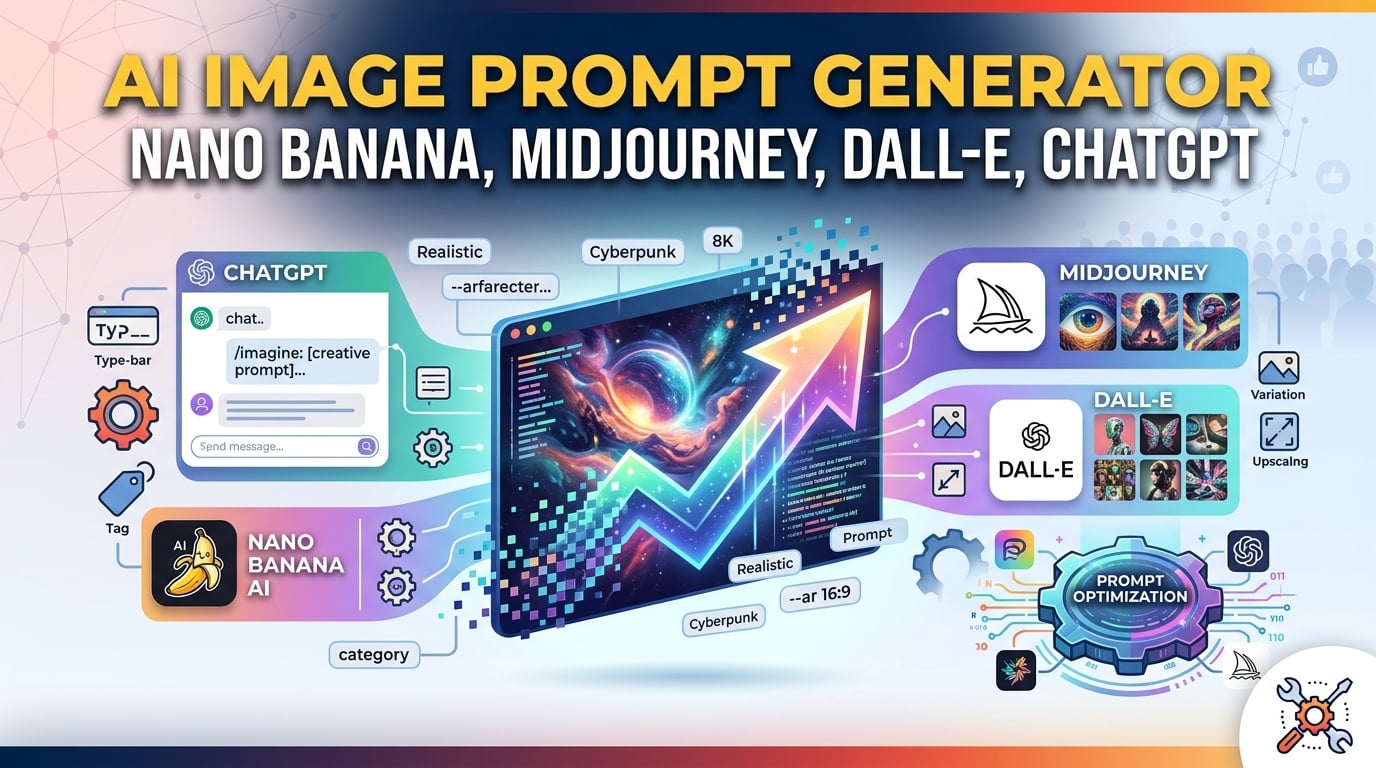
AI Image Prompt Generator: Master dall‑e 3 prompt generator, midjourney v6 prompts, and stable diffusion prompts
If you need a fast, free way to turn a simple idea into a production‑ready text‑to‑image prompt, the promptizer tool is built exactly for that. It expands raw concepts into detailed, engine‑specific strings that work on the first try for Midjourney, DALL‑E 3, Stable Diffusion, and other AI image models.
In this guide you will learn:
- Why a solid prompt engineering tool matters for consistent results.
- How to craft photorealistic ai prompts that hit the mark every time.
- A step‑by‑step workflow using the ai art prompt builder (with a direct link to Promptizer).
- A side‑by‑side comparison of Promptizer versus manual methods and other generators.
- Answers to the most common questions about using a digital art prompt helper.
What Is Promptizer and How Does It Work?
promptizer is a client‑side, zero‑latency ai image prompt generator that lets you assemble professional‑grade prompts without signing up or sharing data. The workflow is simple:
[ Core Idea ] → [ Promptizer Engine ] → [ Optimized, Style‑Rich Prompt ] → [ Midjourney / DALL‑E / Stable Diffusion ]- Select a subject – the core of your image.
- Choose style, medium, lighting, and camera details – these guide the model’s visual vocabulary.
- Add engine‑specific parameters – aspect ratio, version, stylization, etc.
- Generate – copy the ready‑to‑paste string and feed it to your chosen model.
Promptizer stays up‑to‑date with the latest midjourney v6 prompts, dall‑e 3 prompt generator syntax, and stable diffusion prompts libraries, so you never have to memorize cryptic codes again.
Why Prompt Structure Is Critical
AI models read text as tokens, not sentences. A well‑ordered prompt maximizes relevance and avoids “token dilution.” Use the hierarchy below:
[Subject] + [Artistic Style / Medium] + [Environment / Background] + [Lighting] + [Camera Composition] + [Engine Parameters]1. Artistic Style & Medium
Choosing a style (e.g., digital concept art, oil painting, photorealistic ai prompts) tells the model which visual database to pull from.
2. Lighting Setup
Specific lighting terms outperform vague phrases:
| Lighting Term | Visual Effect |
|---|---|
| Chiaroscuro | High‑contrast drama |
| Volumetric Lighting | Light shafts through fog or dust |
| Golden Hour | Warm, soft natural light |
| Neon Glow | Cyberpunk‑style artificial color |
3. Camera Angles & Composition
Cinematic framing (e.g., low‑angle shot, macro lens, wide‑angle 24 mm) adds depth and realism.
4. Rendering Parameters (Midjourney & Stable Diffusion)
These code‑like suffixes fine‑tune the output:
--ar 16:9– Aspect Ratio--v 6.0– Engine version (midjourney v6 prompts)--stylize 250– Creative freedom--chaos 10– Variation level
Optimizing Prompt Length for Each Platform
| Platform | Ideal Length | Tip |
|---|---|---|
| Midjourney | 15‑60 words, comma‑separated | Keep it punchy; the model truncates long tails. |
| DALL‑E 3 | Full descriptive paragraph | Natural language works; the model can handle more context. |
| Stable Diffusion | 20‑50 keywords | Use commas and avoid filler words. |
Use a local word‑counter (no external link needed) to verify your prompt stays within the sweet spot before sending it to Discord or a web UI.
Step‑by‑Step: Build Your First Prompt with Promptizer
Follow these six steps and click Generate Prompt on Promptizer to receive a ready‑to‑paste string.
Step 1 – Core Subject
A cybernetic samurai warrior standing in the rain.
Step 2 – Medium & Art Style
Cyberpunk, Unreal Engine 5 render, cinematic concept art.
Step 3 – Environment & Lighting
Neo‑Tokyo alleyway, glowing neon signs, dramatic volumetric lighting, reflection on wet asphalt.
Step 4 – Camera Composition
Medium shot, eye‑level, 35 mm lens, shallow depth of field.
Step 5 – Engine Parameters (Midjourney)
--ar 16:9 --v 6.0 --style raw
Step 6 – Generate & Copy
Generate your prompt with Promptizer
Final Prompt
A cybernetic samurai warrior standing in the rain, Neo‑Tokyo alleyway, glowing neon signs, cyberpunk, Unreal Engine 5 render, cinematic concept art, dramatic volumetric lighting, reflection on wet asphalt, medium shot, eye‑level, 35 mm lens, shallow depth of field --ar 16:9 --v 6.0 --style raw
Paste this string into Midjourney, DALL‑E 3, or Stable Diffusion and watch the AI bring your vision to life.
Comparison Table: Promptizer vs. Manual Prompting & Competitors
| Feature | Manual Prompting | Typical Competitor Generators | Promptizer |
|---|---|---|---|
| Speed | Slow – typing every token | Moderate – semi‑automated | Instant – one‑click generation |
| Parameter Accuracy | Prone to syntax errors | Often outdated | Always up‑to‑date with Midjourney v6 & DALL‑E 3 |
| Style Vocabulary | Limited to personal knowledge | Generic, repetitive | Extensive library of camera lenses, lighting, and art styles |
| Cost | Free (but time‑costly) | Paywalls or subscription | 100 % Free, unlimited prompts |
| Cross‑Model Support | Usually single‑model | May support one model only | Supports Midjourney, DALL‑E 3, Stable Diffusion, and other text‑to‑image models |
Ready to stop typing endless commas? Try Promptizer now and see the difference for yourself.
Start generating with Promptizer
Key Concepts & Search Focus
To provide comprehensive coverage, this guide integrates direct insights for:
- dall-e 3 prompt generator: Practical methodologies and best-practice workflows incorporated into our Promptizer - Free AI Prompt Generator.
- midjourney v6 prompts: Practical methodologies and best-practice workflows incorporated into our Promptizer - Free AI Prompt Generator.
- text-to-image prompts: Practical methodologies and best-practice workflows incorporated into our Promptizer - Free AI Prompt Generator.
Frequently Asked Questions
1. How do midjourney v6 prompts differ from older versions?
Midjourney v6 introduces new flags (--v 6.0) and refined token handling, giving tighter control over composition, style, and detail. Promptizer automatically adds the correct version flag, so you never have to remember it.
2. Can I use the generated prompts with Stable Diffusion?
Absolutely. Promptizer outputs comma‑separated keyword strings that work directly in the “positive prompt” field of Automatic1111, ComfyUI, or any other Stable Diffusion front‑end.
3. Is Promptizer useful for text prompts in ChatGPT or Claude?
Yes. Switch to “Text Prompt” mode and the tool creates structured role‑prompting frameworks (Persona, Context, Task, Constraints) that improve LLM responses.
4. Are the prompts royalty‑free for commercial projects?
All prompts generated by Promptizer are 100 % royalty‑free and can be used in client work, marketing campaigns, and digital art without attribution.
5. Do I need any technical background to start?
No. The digital art prompt helper guides you through dropdowns and sliders, making it beginner‑friendly while still powerful for experts.
Related Online Tools
Explore these complementary browser utilities to streamline your everyday calculations:
- AI Regex Generator: Generate Regular Expressions using plain English descriptions powered by AI
- YouTube Title Generator: Generate viral YouTube titles and SEO tags with AI. Get high-CTR video ideas instantly.
- AI Content Humanizer: Transform AI text into natural human prose instantly. 100% private, client-side, and free with no sign-up required.
Take the Next Step
Stop wasting time crafting prompts by hand and staring at empty Discord boxes. Let the ai image prompt generator nano banana midjourney dall e do the heavy lifting for you.
Try Promptizer – the free AI Prompt Generator and start producing gallery‑worthy images today—no coding, no guesswork, just pure creativity.
Explore more free utilities on SmartToolverse, your hub for free online developer tools and AI assistants.
Tags: dall‑e 3 prompt generator, photorealistic ai prompts, midjourney v6 prompts, digital art prompt helper, ai art prompt builder, stable diffusion prompts, text‑to‑image prompts, prompt engineering tool.
Related Articles
Promptizer: Generate Pro Prompts for Midjourney & DALL-E
Unlock your AI art potential! Learn to craft professional prompts for Midjourney & DALL-E with Promptizer. Get expert tips & boost your creative output today!
13 min read
Try Our Smart Tools
Put what you've learned into practice with our suite of AI-enhanced tools and smart calculators.