AI image generation tipsPrompt engineering guideMidjourney prompt secretsDALL-E prompt examplesCreative AI artText-to-image promptsAI art generator
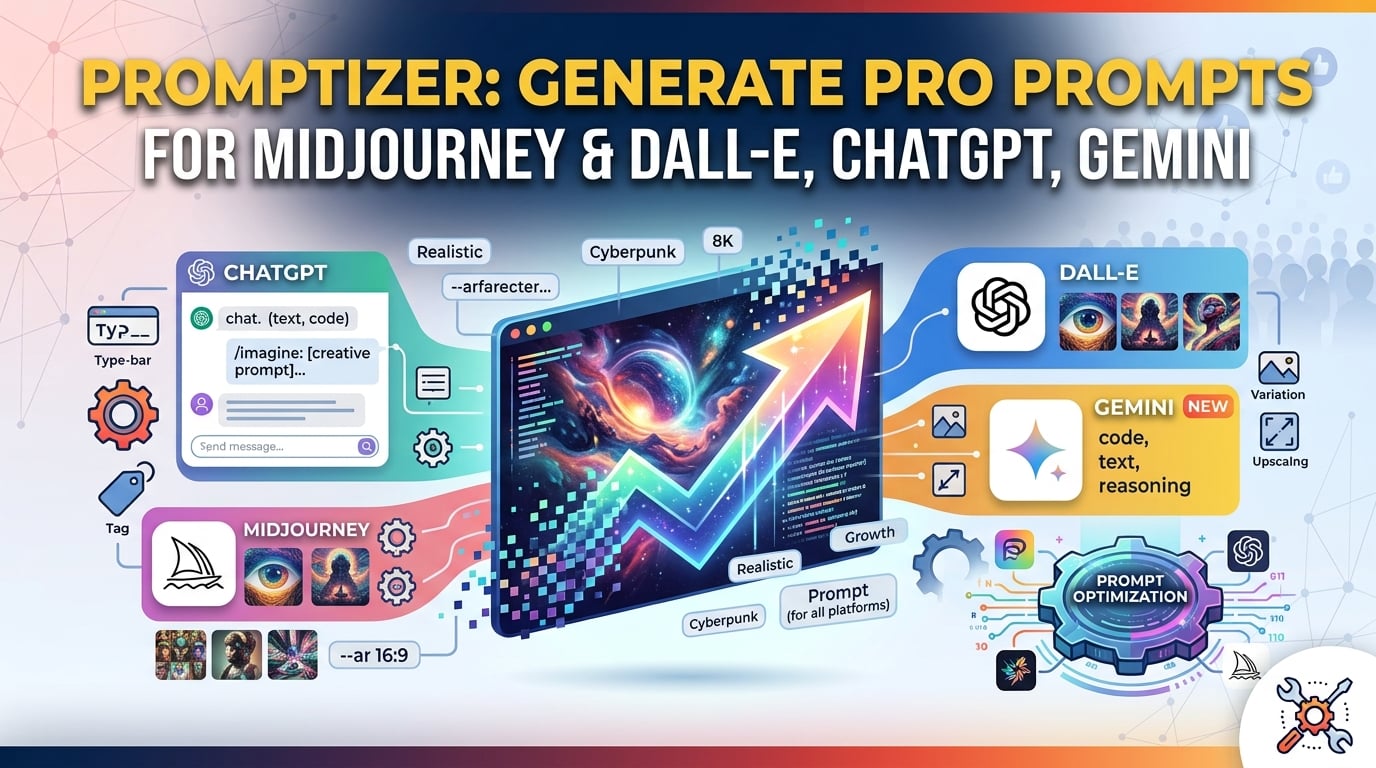
Promptizer: Free AI Prompt Generator for Midjourney, DALL‑E & Other AI Art Generators
Quick start: Generate a professional prompt in seconds with promptizer.
Why Prompt Engineering Matters for Text‑to‑Image Prompts
The rise of creative AI art platforms has turned image creation into a click‑and‑wait process, but the true power lies in the text‑to-image prompts you feed them. A well‑crafted prompt delivers:
- Higher fidelity – photorealistic, stylized, or surreal results.
- Consistent branding across series or campaigns.
- Faster iteration – minutes instead of hours spent tweaking wording.
Mastering midjourney prompt secrets and studying dall‑e prompt examples is the cornerstone of any solid prompt engineering guide.
What Is Promptizer and How It Works?
Promptizer is a free, client‑side ai image prompt generator that expands a one‑line idea into a fully‑structured prompt ready for any major model.
| Step | Your Action | Promptizer Output |
|---|---|---|
| 1️⃣ Input | Type a brief concept (e.g., “a cat in space”). | Core idea captured. |
| 2️⃣ Process | Promptizer enriches the seed with lighting, camera, style, and technical specs. | Algorithmic enrichment – adds mood, composition, and engine‑specific parameters. |
| 3️⃣ Output | Receive a ready‑to‑paste prompt. | Detailed, model‑optimized string (see example). |
Example Transformation
- Before:
A cat in space. - After Promptizer:
A hyper‑realistic Siamese cat wearing a tiny astronaut helmet with a reflective visor, floating weightlessly in a nebula‑filled galaxy.
Cinematic lighting, wide‑angle lens, deep‑space blues and purples, 8K photorealistic octane render.
Inspired by Zdzisław Beksiński’s surrealism and digital concept art detail.
The output already incorporates midjourney prompt secrets (camera lens, lighting) and dall‑e prompt examples (clear subject, descriptive adjectives) that boost image quality.
Feature‑by‑Feature Comparison
| Feature | Promptizer (Free) | Manual Prompt Writing | Competitor X |
|---|---|---|---|
| AI‑assisted enrichment | ✅ Curated vocab & style library | ❌ 100 % manual | ✅ Limited |
| One‑click export | ✅ Copy‑ready prompt | ❌ Requires re‑formatting | ✅ |
| Style & mood presets | ✅ Cyberpunk, Impressionist, Surreal, etc. | ❌ Must know terminology | ✅ Few |
| Resolution & render hints | ✅ 4K/8K, octane, photorealistic tags | ❌ Manual research | ✅ Basic |
| Cross‑model compatibility | ✅ Midjourney, DALL‑E, Stable Diffusion, Flux, Leonardo AI | ❌ Model‑specific tweaks needed | ✅ Midjourney only |
| Time to first usable prompt | < 10 seconds | 5‑30 minutes | 1‑5 minutes |
| Free tier | ✅ Unlimited basic prompts | N/A | ❌ Limited |
Ready to boost your workflow? Try the free promptizer now and see the difference a professional prompt makes for any ai image prompt generator.
Step‑by‑Step Guide: From Idea to Image
- Open the tool – Visit promptizer.
- Enter your core concept – Keep it short but clear (e.g., “retro sci‑fi city at dusk”).
- Select optional style tags – Choose from the dropdown (e.g., “neon cyberpunk”, “cinematic lighting”).
- Click “Generate Prompt.”
- Copy the result – The output includes:
- Subject description
- Artistic style & reference artists
- Lighting & camera details
- Technical specs (resolution, render engine)
- Paste into your chosen model – Midjourney (
/imagine), DALL‑E, Stable Diffusion, etc. - Iterate – Use the generated prompt as a base; tweak adjectives, swap styles, or adjust composition.
Tips for Faster Iteration
- Regenerate with slight wording changes to explore variations.
- Highlight keywords you want to keep and edit the rest.
- Save favorite prompts in a personal library for future projects.
Best Practices & Midjourney Prompt Secrets
| Practice | Why It Helps | How to Apply with Promptizer |
|---|---|---|
| Start with a crystal‑clear core | AI needs a strong anchor. | Write “a futuristic samurai on a rainy rooftop” rather than “samurai.” |
| Leverage lighting keywords | Light defines mood and depth. | Add “cinematic rim lighting” or “soft diffused glow” via the style picker. |
| Specify camera perspective | Influences composition and focus. | Choose “wide‑angle lens” or “macro close‑up” in the options. |
| Reference known artists | Guides the model toward a visual language. | Promptizer can auto‑append “in the style of Hayao Miyazaki.” |
| Control output resolution | Ensures crispness for print or web. | Include “8K” or “4K” tags in the final prompt. |
| Iterate, don’t settle | Small tweaks can dramatically shift results. | Regenerate, then edit the highlighted sections. |
Real‑World Use Cases
| Audience | How Promptizer Elevates Their Work |
|---|---|
| Concept Artists | Rapidly prototype characters, environments, and mood boards with consistent style cues. |
| Marketers & Social Media Managers | Generate eye‑catching ad creatives, blog headers, and carousel images without hiring a designer. |
| Game Developers | Produce texture ideas, UI mock‑ups, and level concepts in seconds, speeding up pre‑production. |
| Educators & Students | Create visual aids for presentations, assignments, or research posters. |
| Hobbyists | Explore limitless creative experiments—personalized gifts, album covers, decorative prints. |
Key Concepts & Search Focus
To provide comprehensive coverage, this guide integrates direct insights for:
- ai art generator: Practical methodologies and best-practice workflows incorporated into our Promptizer - Free AI Prompt Generator.
- dall-e prompt examples: Practical methodologies and best-practice workflows incorporated into our Promptizer - Free AI Prompt Generator.
- text-to-image prompts: Practical methodologies and best-practice workflows incorporated into our Promptizer - Free AI Prompt Generator.
Explore more browser utilities across our SmartToolverse suite.
Frequently Asked Questions
What does Promptizer actually do?
Promptizer takes a raw idea (e.g., “cyberpunk street”) and enriches it with professional cinematography terms, lighting specifications, composition guidelines, and engine‑specific parameters such as --ar 16:9 or --style raw. The result is a ready‑to‑paste prompt that works instantly with Midjourney, DALL‑E, Stable Diffusion, Flux, Leonardo AI, and other ai art generators.
Which AI image generators are supported?
Promptizer supports all major generative platforms, including Midjourney (v5 & v6), DALL‑E 3, Stable Diffusion XL, Flux, and Leonardo AI. The output is model‑agnostic, so you can copy it into any text‑to‑image prompt field.
Can Promptizer improve prompts for LLMs like ChatGPT or Claude?
Yes. Switch to “Text Prompt” mode to generate structured role‑prompting frameworks (Persona, Context, Task, Constraints). This boosts accuracy for chat‑based models and works as a free prompt engineering guide for developers.
Are the generated prompts free for commercial use?
Absolutely. All prompts produced by Promptizer are 100 % royalty‑free and can be used in commercial client projects, digital art, marketing campaigns, or any other commercial context.
How does Promptizer protect my privacy?
The tool runs entirely client‑side in your browser, meaning no data is sent to a server. There is zero latency, and your concepts stay private—no sign‑up, no cookies, no tracking.
How much time does Promptizer save compared to manual writing?
Manual prompt crafting typically takes 5‑30 minutes per prompt. Promptizer delivers a detailed, model‑optimized prompt in under 10 seconds, letting you focus on creative iteration instead of syntax research.
Call to Action
If you’re ready to streamline your ai image generation tips workflow and produce high‑impact visuals in seconds, give Promptizer a try. Click the button below to generate your first prompt instantly:
promptizer – Free, unlimited, and privacy‑first.
Related Online Tools
Explore these complementary browser utilities to streamline your everyday calculations:
- AI Regex Generator: Generate Regular Expressions using plain English descriptions powered by AI
- YouTube Title Generator: Generate viral YouTube titles and SEO tags with AI. Get high-CTR video ideas instantly.
- AI Content Humanizer: Transform AI text into natural human prose instantly. 100% private, client-side, and free with no sign-up required.
Related Articles
AI Image Prompt Generator | Nano Banana, Midjourney, DALL-E
Struggling with AI art? Use our AI Image Prompt Generator to craft detailed Midjourney & DALL-E prompts. Boost your creativity and generate art now!
13 min read
Try Our Smart Tools
Put what you've learned into practice with our suite of AI-enhanced tools and smart calculators.