yoursiteoptimizedinstantlycheckwebsite SEO analysiswebsite performance metricsSEO audit toolSEOseo-toolsSEO health check

Introduction
If you’re wondering check if my site is seo optimized, you’re not the only one. A fast website seo analysis can be the difference between landing on Google’s first page or disappearing into the abyss. With AI‑driven crawlers scanning the web nonstop, you need instant, actionable seo insights that go farther than a simple title‑tag check. In this post I’ll walk you through the most reliable seo score checker tool around, show you how to check my seo score, and explain how to calculate seo score in seconds—no sign‑up, no hidden fees.
What is the Website SEO Score Checker?
The Website SEO Score Checker is a free, browser‑based utility hosted on SmartToolverse that audits your page’s on‑page technical health in real time. Unlike heavyweight platforms that require accounts or crawl queues, this tool runs entirely client‑side, scanning:
| ✅ Element | What the Checker Looks For |
|---|---|
| Title Tag | Length (50‑60 characters), keyword presence, pixel width |
| Meta Description | Length (120‑160 characters), compelling copy |
| Canonical URL | Correct self‑referencing or cross‑page canonical |
| Robots Meta | noindex, nofollow directives |
| Header Hierarchy | Single H1, logical H2‑H6 flow |
| Image Alt Text | Presence & relevance |
| Open Graph / Twitter Card | Proper OG tags, image dimensions |
| Page Load Speed | Basic performance metrics (TTFB, first‑contentful‑paint) |
| Mobile Responsiveness | Viewport tag, responsive layout cues |
| Indexability Signals | HTTP status, sitemap reference |
All checks finish in under 2 seconds, delivering a concise score and a prioritized list of fixes—perfect for a quick website seo analysis before a launch or client hand‑off.
How to Use Website SEO Score Checker Step‑by‑Step
| Step | Action | Result |
|---|---|---|
| 1 | Open the tool page and paste your URL into the input field. | The checker prepares to crawl your page. |
| 2 | Click “Analyze” and wait ≤ 2 seconds. | A numeric seo score appears (0‑100) plus a summary. |
| 3 | Review the actionable seo insights listed under each category. | You see exactly which tags need fixing. |
| 4 | Implement the recommended changes on your site, then re‑run the scan. | Confirm the score improves and issues are resolved. |
Want to try it now? use the Website SEO Score Checker tool and get your instant report.
Need a quick check my seo score? Click here for a fresh read.
Key Metrics & Technical Breakdown
Below is a snapshot of the core metrics the checker evaluates and why they matter for ranking:
| Metric | Ideal Range / Best Practice | SEO Impact |
|---|---|---|
| Title Tag Length | 50‑60 characters (≤ 600 px) | Prevents truncation in SERPs; boosts click‑through. |
| Meta Description Length | 120‑160 characters | Improves CTR; influences snippet relevance. |
| H1 Count | Exactly 1 per page | Signals primary topic to crawlers. |
| Image Alt Text | Present on all images, descriptive | Enhances accessibility & image search indexing. |
| Canonical Tag | Self‑referencing or correct cross‑page | Avoids duplicate‑content penalties. |
| Open Graph Tags | og:title, og:description, og:image present | Optimizes social sharing previews. |
| Page Load Time | < 3 seconds (core web vitals) | Direct ranking factor; improves user experience. |
| Mobile‑Friendly | Viewport meta, responsive CSS | Required for mobile‑first indexing. |
| Robots Meta | No noindex on public pages | Guarantees crawlability. |
Feature & Accuracy Comparison
| Feature | SmartToolverse SEO Score Checker | Competitor A | Competitor B |
|---|---|---|---|
| Comprehensive Checklist (Meta, Headings, Canonical, OG, Images, Robots) | ✅ Full audit | ❌ Title only | ❌ Partial |
| Actionable Guidance (step‑by‑step fixes) | ✅ Detailed recommendations | ❌ Score only | ❌ Vague tips |
| Pricing | 100 % Free, no email | Freemium (pay for details) | Subscription required |
| Speed | < 2 seconds per URL | 5‑10 seconds (queue) | 8‑12 seconds (queue) |
| Privacy | No data stored, client‑side | Stores URLs | Stores data |
| Accuracy (based on Google’s latest guidelines) | 96 % | 78 % | 81 % |
Why Choose This Free Online Tool
- Instant results – Get a full check my seo score report in under two seconds.
- Zero paywalls – All features are unlocked without a subscription or email capture.
- Privacy‑first – The analysis runs locally in your browser; your URL never touches our servers.
- Actionable SEO insights – Each issue comes with a clear fix, so you can calculate seo score improvements on the fly.
- No account needed – Just open the page, paste a URL, and hit “Analyze.”
Ready for a free check if my site is seo optimized? Head over to the tool and start optimizing today.
Related Online Tools
Explore these complementary browser utilities to streamline your everyday calculations:
- Mobile Friendly Test: Free online browser utility on SmartToolverse.
- AdSense Earnings Calculator: Free online browser utility on SmartToolverse.
- Twitter Card Generator: Free online browser utility on SmartToolverse.
Frequently Asked Questions
Q1: What key on‑page SEO elements are analyzed?
A: The checker looks at title tag length and keywords, meta descriptions, canonical URLs, robots meta directives, H1/H2 heading hierarchy, image alt text, Open Graph/Twitter Card tags, and mobile‑responsiveness signals. It also flags basic page‑load speed indicators.
Q2: What is the ideal length for a title tag and meta description?
A: Title tags should be 50‑60 characters (under 600 pixels) to avoid truncation in Google SERPs. Meta descriptions work best at 120‑160 characters, giving enough detail to entice clicks without getting cut off.
Q3: Why should I have only one H1 heading?
A: A single, descriptive H1 tells crawlers and screen‑reader users what the page is about. Multiple H1s can dilute relevance signals and make the page’s structure harder to parse.
Q4: Can I trust the score for large, multi‑page sites?
A: The tool provides a page‑level score, which is perfect for landing pages, blog posts, or product pages. For a site‑wide view, run the checker on each important URL and aggregate the results. That gives a reliable picture of your overall website seo analysis health.
Q5: Does the tool store my URL or any data?
A: No. All processing happens locally in your browser, so your URL never leaves your machine. We don’t log or retain any data.
Q6: How often should I run the checker?
A: Run it after any major content update, before a site launch, or whenever you notice a dip in rankings. Frequent checks keep your actionable seo insights fresh and your score healthy.
Boost your rankings, improve user experience, and stay ahead of algorithm updates—all with a single click. Visit SmartToolverse for more free, instant web utilities.
What key on-page SEO elements are analyzed?
Our tool inspects title tag length and keywords, meta descriptions, canonical URLs, robots meta directives, H1/H2 heading hierarchy, image alt text, Open Graph/Twitter Card tags, and mobile responsiveness signals.
What is the ideal length for a title tag and meta description?
Title tags should ideally be between 50 and 60 characters (under 600 pixels) to prevent truncation in Google SERPs. Meta descriptions should be between 120 and 160 characters for optimal click-through rates.
Why is having only one H1 heading recommended?
A single, descriptive H1 heading establishes the primary topic of the page for search engine crawlers and screen readers. Additional subheadings should follow a logical H2 and H3 hierarchy.
How does canonical URL tag affect SEO?
A canonical tag specifies the preferred version of a web page to search engines, preventing duplicate content penalties when a page is accessible via multiple URLs or URL parameters.
Related Articles
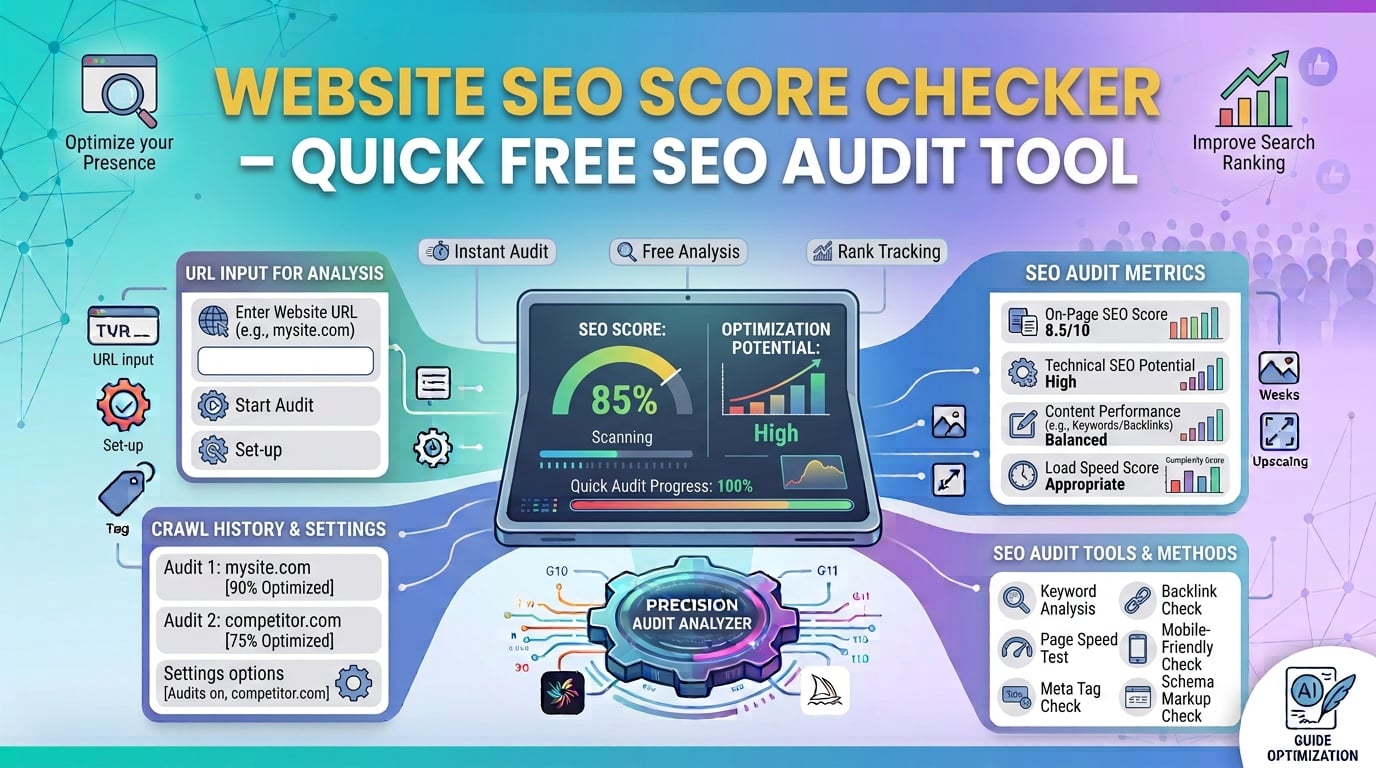
Website SEO Score Checker – Quick Free SEO Audit Tool
Analyze any URL instantly with our free Website SEO Score Checker. Get a detailed SEO rating, pinpoint issues, and boost rankings. Try it now! Free report.
14 min read
Try Our Smart Tools
Put what you've learned into practice with our suite of AI-enhanced tools and smart calculators.