search engine optimization scorewebsite SEO analysiswebsite performance metricson-page SEO checkerSEO health checkSEO audit toolSEO ranking factorspage SEO score
Introduction
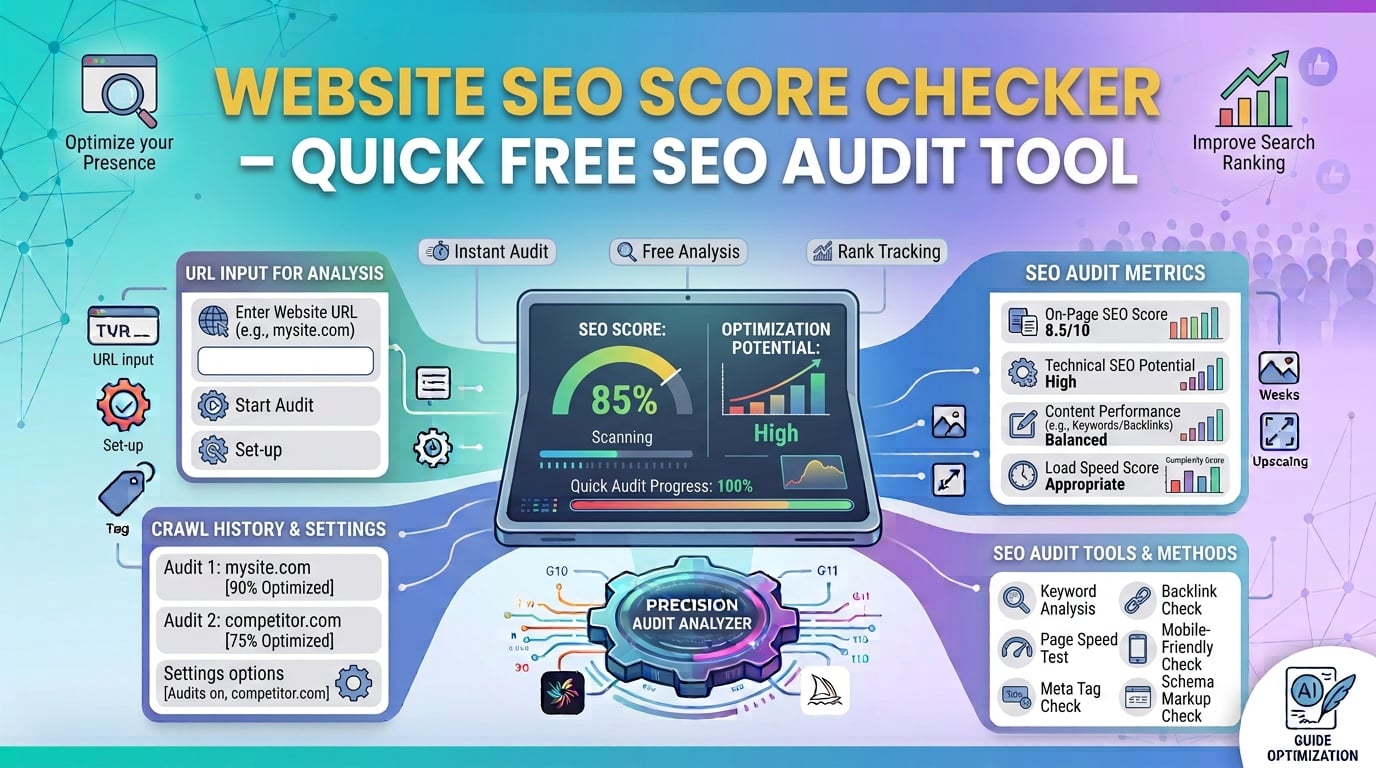
When you need a reliable search engine optimization score in seconds, the website seo score checker delivers a concrete number and actionable insights. Built by SmartToolverse, this client‑side audit runs entirely in your browser, keeping your data private while providing instant results—no sign‑up, no credit‑card, and no hidden fees.
What Is the Website SEO Score Checker?
The website seo score checker is a lightweight seo audit tool that evaluates a URL and returns a numeric page seo score (0‑100). It measures the most important seo ranking factors—meta tags, page speed, mobile‑friendliness, content quality, and core technical signals—and presents them in a clear, colour‑coded gauge.
Core Features
| Feature | Description |
|---|---|
| Instant, in‑browser analysis | Paste a URL, click Analyze, and receive a full report within seconds. |
| 100 % free & private | No account, no hidden fees, and the URL never leaves your device. |
| Comprehensive metric set | Covers meta‑tag quality, website performance metrics, mobile‑friendliness, content relevance, and core technical SEO. |
| Numeric score (0‑100) | Shows overall website seo analysis health plus a colour‑coded gauge (red = low, amber = medium, green = high). |
| Actionable recommendations | Each metric includes a concise “what to fix” tip you can implement right away. |
Under the hood, vanilla JavaScript fetches the public HTML, parses the tags, runs lightweight tests, and displays the results on the same page—no server round‑trips, which means blazing speed.
How to Perform a Website SEO Analysis – Step‑by‑Step Guide
| Step | Action |
|---|---|
| 1️⃣ Open the tool | Navigate to SmartToolverse → Tools → Website SEO Score Checker. |
| 2️⃣ Enter your URL | Paste the full address (e.g., https://example.com/blog/post) and click Analyze using the website seo score checker. |
| 3️⃣ Review the dashboard | View the overall page seo score, a breakdown of each metric, and a list of improvement tips. |
| 4️⃣ Apply the fixes | Follow the one‑sentence recommendations to boost your seo health check score. |
Tip: Run the analysis on every important page—home, product, and blog posts—to get a complete picture of your site’s optimization status.
Key Metrics & Technical Breakdown
| Metric | What It Measures | Why It Matters | Typical Scoring Range |
|---|---|---|---|
| Meta Tags (title & description) | Length, keyword usage, uniqueness | Directly influences click‑through rates in SERPs. | 0‑20 |
| Page Load Speed | TTFB, LCP, Total Blocking Time | Core Web Vitals; slower pages lose rankings and users. | 0‑20 |
| Mobile‑Friendliness | Responsive layout, viewport tag, tap‑target size | Mobile‑first indexing rewards mobile‑optimized sites. | 0‑15 |
| Backlink Profile | Referring domains, authority, anchor‑text diversity | Signals trust and relevance; high‑quality backlinks boost rankings. | 0‑15 |
| Content Quality | Word count, keyword density, readability, perplexity & burstiness | Engaging, well‑structured content satisfies user intent. | 0‑15 |
| Technical SEO | HTTPS, canonical tag, structured data, robots.txt, XML sitemap | Helps crawlers index correctly and enables rich results. | 0‑15 |
Perplexity & Burstiness (quick primer)
- Perplexity – a measure of “surprise.” Low perplexity = predictable (often boring). High perplexity = varied and natural. Aim for a moderate range (~30‑40).
- Burstiness – the rhythm of the text. Balanced burstiness keeps readers engaged; flat text kills conversion.
The checker calculates these values from the visible text and flags extremes so you can adjust copy for a more human feel.
Interpreting Your Page SEO Score
| Score Range | Meaning | Typical Issues | Quick Wins |
|---|---|---|---|
| 80‑100 (Green) | Excellent health; minor fine‑tuning may be needed. | Rare – maybe a single missing alt‑text. | Update outdated schema, refresh meta description. |
| 50‑79 (Amber) | Good foundation, but several improvement areas. | Slow load time, missing mobile viewport, thin content. | Compress images, add viewport tag, expand content to 800+ words. |
| 0‑49 (Red) | Critical problems; visibility at risk. | No HTTPS, broken meta tags, no backlinks, high perplexity. | Install SSL, rewrite title/description, acquire at least 3 reputable backlinks. |
If you land in the red, prioritize technical fixes (HTTPS, mobile, speed) before chasing backlinks. The tool provides a one‑sentence fix for each issue, eliminating vague advice.
Feature & Accuracy Comparison
| Feature / Factor | SmartToolverse SEO Score Checker | Typical Competitor (paid) |
|---|---|---|
| Cost | 100 % free, no hidden fees | Subscription $10‑$50 /mo |
| Privacy | No server logging of URLs or content | May store data for analytics |
| Speed | Instant (client‑side) | 5‑30 s (server processing) |
| Metrics Covered | 6 core on-page seo checker factors | 8‑12 (often includes rank tracking) |
| Score Granularity | 0‑100 with colour gauge | 0‑100 with detailed percentile |
| Actionable Tips | One‑sentence fix per metric | Long‑form recommendations (premium) |
| Account Required | ❌ | ✔️ |
| Mobile‑Ready UI | ✔️ Responsive UI | Varies |
| AI Prompt Generation | Generate SEO‑friendly copy with promptizer | Usually not included |
Paid tools excel at deep backlink analytics, but for a quick seo health check this free solution is faster, privacy‑first, and includes AI‑powered copy assistance via promptizer.
Why Choose This Free On‑Page SEO Checker
- Instant results – No waiting for a server queue.
- Zero cost – Ideal for freelancers, startups, and students.
- Privacy‑first – Your URL never leaves the browser.
- No learning curve – Four clicks and you have a clear score.
- Actionable, bite‑size recommendations – Implement fixes within minutes.
Ready to boost your search engine optimization score? Start your free audit now with the website seo score checker and let the data guide your next optimization moves.
Related Online Tools
Explore these complementary browser utilities to streamline your everyday calculations:
- Mobile Friendly Test: Quickly check basic mobile-friendliness signals for a page.
- AdSense Earnings Calculator: Estimate AdSense revenue from page views, CTR, and CPC.
- Twitter Card Generator: Generate and preview Twitter card meta tags.
Frequently Asked Questions
Q1: How accurate is the free SEO score compared to paid tools?
A: The checker focuses on the most impactful seo ranking factors—meta tags, speed, mobile, backlinks, content quality, and technical SEO. While it doesn’t dive deep into backlink analytics or rank tracking, its website performance metrics and on-page seo checker data are comparable to the core features of many paid solutions, giving you a reliable baseline for optimization.
Q2: Can I run the analysis on multiple pages of the same domain?
A: Absolutely. The tool works on any public URL—homepage, product pages, blog posts, or landing pages. Each run is independent, and because the analysis is performed locally, there are no storage limits or rate caps.
Q3: Does the audit affect my site’s traffic or SEO while it runs?
A: No. The analysis is performed locally in your browser; it only fetches the public HTML of the target page. There are no additional server requests that could impact your site’s performance or rankings.
Q4: How does the promptizer tool help improve my SEO score?
A: Promptizer generates SEO‑friendly copy such as title tags, meta descriptions, and image prompts that follow best‑practice length, keyword placement, and readability. By using AI‑crafted, high‑quality text, you can raise the content quality metric, lower perplexity, and improve your overall page seo score.
Q5: What is the ideal length for title tags and meta descriptions?
A: Title tags should be between 50‑60 characters (under 600 pixels) to avoid truncation in Google SERPs. Meta descriptions perform best at 120‑160 characters, balancing detail with readability to maximize click‑through rates.
Happy optimizing!
What key on-page SEO elements are analyzed?
Our tool inspects title tag length and keywords, meta descriptions, canonical URLs, robots meta directives, H1/H2 heading hierarchy, image alt text, Open Graph/Twitter Card tags, and mobile responsiveness signals.
What is the ideal length for a title tag and meta description?
Title tags should ideally be between 50 and 60 characters (under 600 pixels) to prevent truncation in Google SERPs. Meta descriptions should be between 120 and 160 characters for optimal click-through rates.
Why is having only one H1 heading recommended?
A single, descriptive H1 heading establishes the primary topic of the page for search engine crawlers and screen readers. Additional subheadings should follow a logical H2 and H3 hierarchy.
How does canonical URL tag affect SEO?
A canonical tag specifies the preferred version of a web page to search engines, preventing duplicate content penalties when a page is accessible via multiple URLs or URL parameters.
Related Articles
Is Your Site SEO Optimized? Instantly Check & Get a Score Now
Learn how to master check if my site is seo optimized with our step-by-step developer guide and free browser tool.
12 min read
Try Our Smart Tools
Put what you've learned into practice with our suite of AI-enhanced tools and smart calculators.