Short answer: paste the website's address into our free WordPress Theme Detector. It reads the site's theme files and tells you the theme name, version, author, the parent theme if it is a child theme, and the plugins it can see. To check by hand, open the page source and search for /wp-content/themes/: the folder name after it is the theme.
Method 1: use a WordPress theme detector (fastest)
- Open the WordPress Theme Detector.
- Paste the full address of the site, for example https://example.com.
- Click detect. In a few seconds you get the result.
What it shows:
- Whether the site runs WordPress, and how sure it is, based on the generator tag, /wp-content/ and /wp-includes/ files and the WordPress REST API link
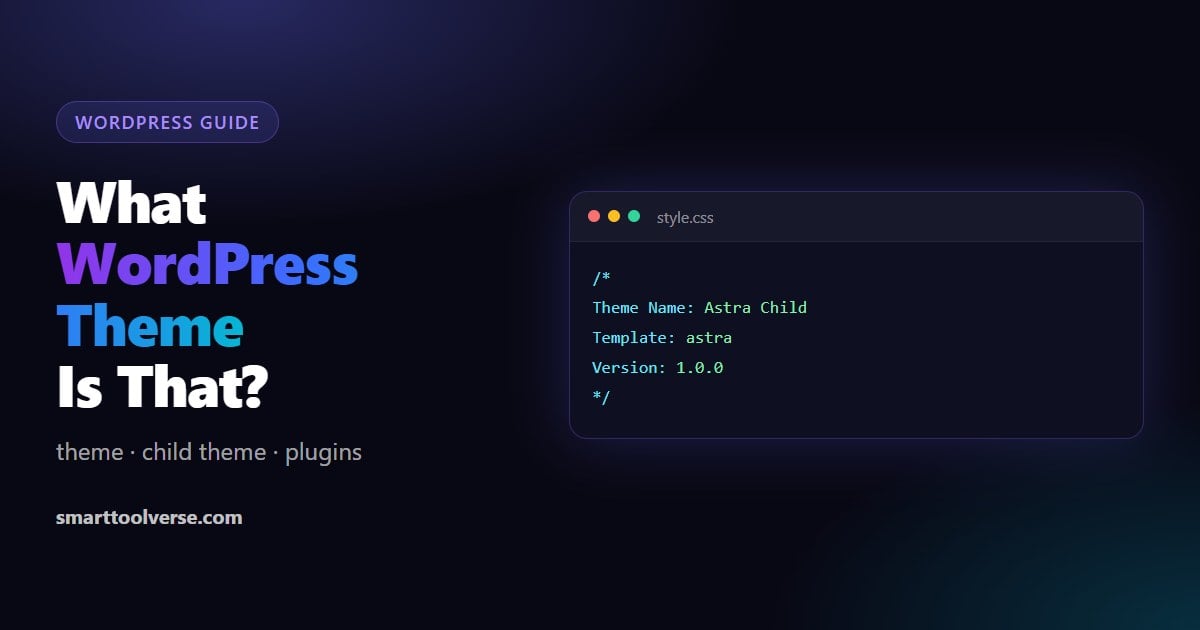
- The theme name, version and author, read from the theme's own style.css file
- The parent theme, if the site uses a child theme (very common: the parent is the theme you would actually buy or download)
- The plugins visible on the page, with versions when the site shows them
- Other technology: page builders such as Elementor or Divi, JavaScript libraries, analytics and the server, from the page's files and headers
A detector can only see what the page loads. Plugins that only work in the admin area, or that add nothing to the front-end, never show up in any detector.
Method 2: look at the page source
- Open the site, right-click and choose View page source (or press
Ctrl+U,Cmd+Option+Uon a Mac). - Press
Ctrl+Fand search for/wp-content/themes/. - The word right after it is the theme's folder name, which is usually the theme's name.
<link rel="stylesheet" href="https://example.com/wp-content/themes/astra/style.css?ver=4.8.1">
                                                      ^^^^^
                                         the theme folder: Astra
If you find two different folders, the site uses a child theme: one folder is the child (often named like astra-child) and the other is the parent. Search for /wp-content/plugins/ the same way to see plugin folders.
Method 3: read the theme's style.css
Every WordPress theme has a style.css file that starts with a header describing it. Open it directly in your browser:
https://example.com/wp-content/themes/THEME-FOLDER/style.cssThe comment at the top tells you everything:
/*
Theme Name:  Astra Child
Theme URI:   https://wpastra.com/
Author:      Brainstorm Force
Description: Child theme for Astra
Template:    astra
Version:     1.0.0
*/| Line | What it tells you |
|---|---|
| Theme Name | The theme's real name |
| Theme URI | Its home page, where you can usually download or buy it |
| Author | Who made it |
| Template | Only in child themes: the folder of the parent theme. This is the theme to look up. |
| Version | The installed version |
This is the same file our detector reads, so method 1 is simply this done for you.
Method 4: check the footer and the generator tag
- Footer credit: many themes print "Powered by [theme]" or "Theme by [company]" at the bottom of the page. Site owners often remove it, so treat it as a hint.
- Generator tag: in the page source, search for
name="generator". It shows the WordPress version and sometimes the page builder (for example Elementor). Many sites hide it for security.
When the theme is hidden or custom
| What you see | What it means |
|---|---|
| A folder name that matches no known theme | A custom theme built for that site, or a renamed one. Open its style.css: if the header is empty or generic, it cannot be bought anywhere. |
| No /wp-content/ anywhere | The site is not WordPress, uses a headless setup (WordPress only behind the scenes), or a security plugin renames the folders |
| Assets on a different domain | A CDN serves the files. The folder names still appear in those URLs, so search the source for /themes/ |
| The detector cannot reach the site | The site blocks automated visitors or needs a login. Try the page source method in your own browser. |
A child theme's name is rarely useful on its own. Look at its "Template:" line or the parent theme our detector shows: that is the theme you can actually get.
Popular WordPress themes you will often find
| Theme | Type | Often used with |
|---|---|---|
| Astra | Lightweight multipurpose | Elementor, Spectra |
| Kadence | Lightweight multipurpose | Kadence Blocks |
| GeneratePress | Lightweight, developer-friendly | GenerateBlocks |
| Hello Elementor | Blank base for Elementor | Elementor |
| Divi | Theme with its own builder | Divi Builder |
| OceanWP | Multipurpose | Elementor, WooCommerce |
| Twenty Twenty-Four / Twenty Twenty-Five | Default WordPress block themes | The block editor |
If the theme is a lightweight base like Hello Elementor or Astra, most of the design usually comes from the page builder, so you need the builder too to get the same look.
Is it legal to use the same theme?
Yes, finding out which theme a site uses is fine: the information is public in every page. Using it is fine too: buy or download the theme yourself from its official source. Do not copy the site's own content, images, logo or custom code, which belong to the owner.
FAQ
How do I find out what WordPress theme a site is using?
Paste the URL into a theme detector such as our free WordPress Theme Detector, or open the page source and search for /wp-content/themes/. The folder name after it is the theme.
How can I tell if a website is built with WordPress?
Look in the page source for /wp-content/ or /wp-includes/, a generator tag that says WordPress, or a link to /wp-json/. Our detector checks all of these and tells you how confident it is.
Can I see which plugins a WordPress site uses?
Partly. Plugins that load files on the page show up under /wp-content/plugins/ and in our detector. Plugins that only run in the admin area or on the server cannot be seen from outside by anyone.
Why does the detector show a theme name I cannot find anywhere?
It is probably a custom theme made for that site, a renamed theme, or a child theme. Check the parent theme, or open the theme's style.css and look at the Theme URI and Author lines.
Does it work on sites that are not WordPress?
Our detector tells you when a site does not appear to run WordPress, and still lists the technology it found, such as Shopify, Wix, Next.js or the web server.
Related Articles
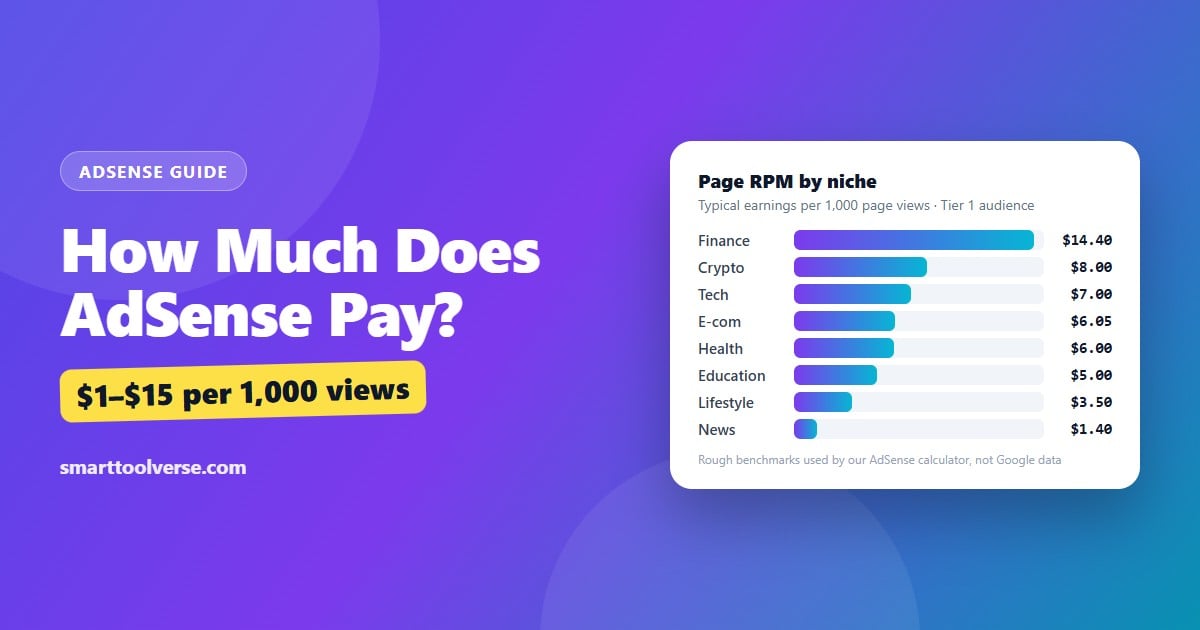
How Much Does AdSense Pay? Earnings per 1,000 Views, RPM by Niche and How to Calculate Yours
How much AdSense really pays: the earnings formula, typical page RPM by niche and audience country, the traffic you need for $100, $1,000 or $3,000 a month, what raises or lowers your RPM, and when Google pays you.
7 min read
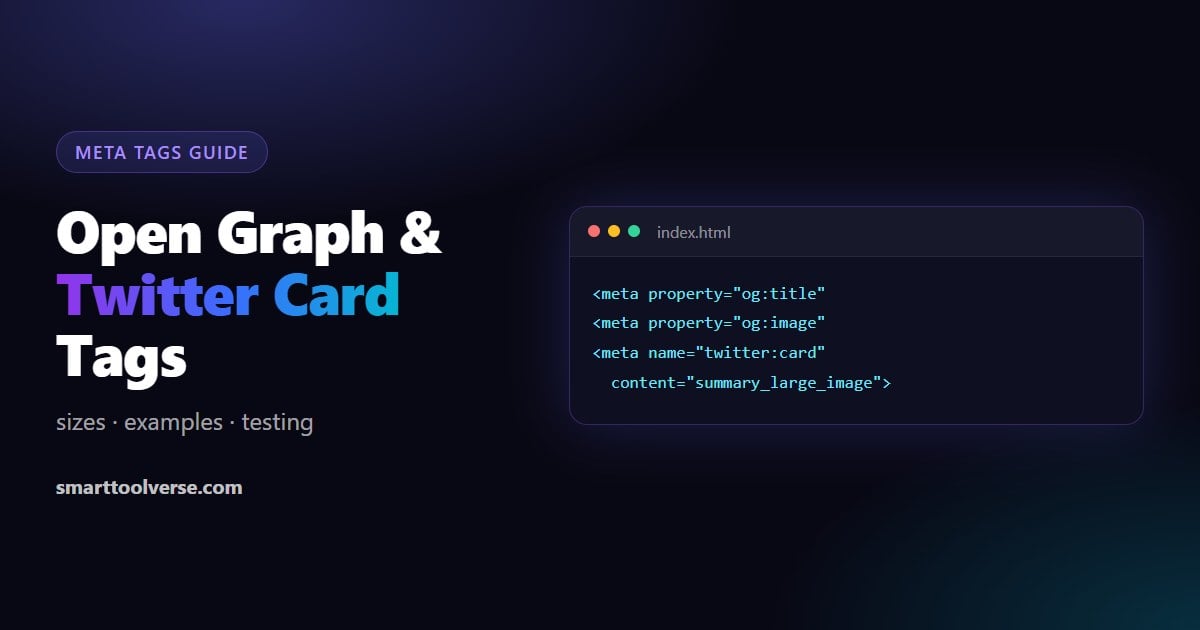
Open Graph and Twitter Card Tags: Image Sizes, Examples and How to Test Link Previews
What Open Graph and Twitter (X) card tags do, a copy-ready set for any page, the image sizes that avoid cropping, and how to test and refresh link previews on Facebook, LinkedIn, X, WhatsApp and Slack.
6 min read
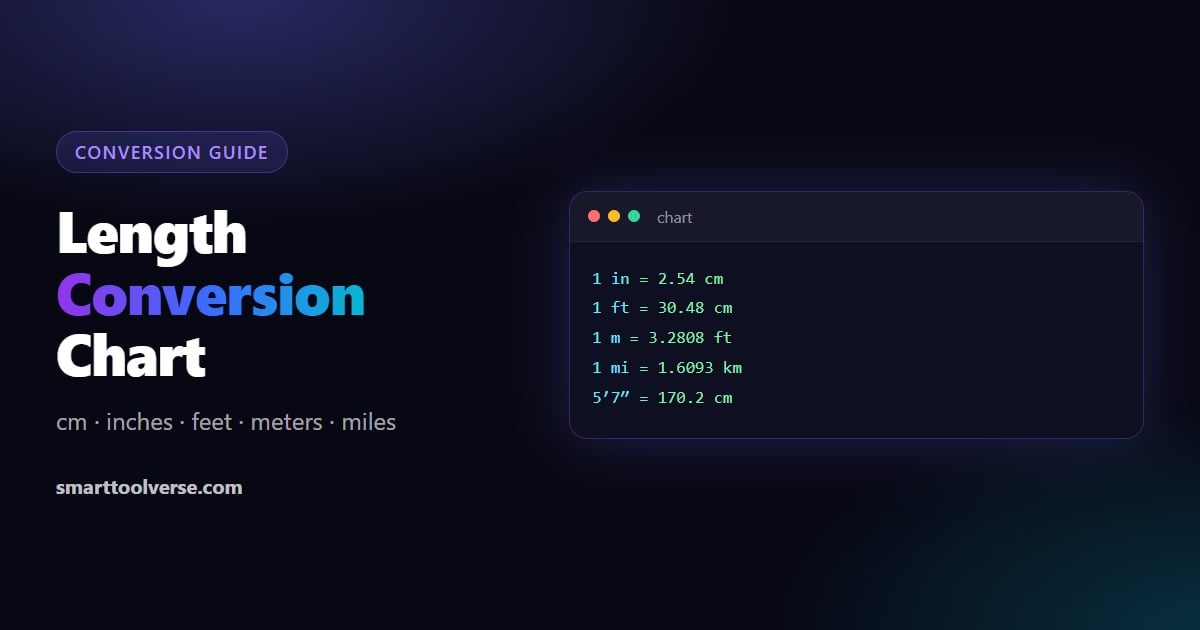
Length Conversion Chart and Formulas: cm, Inches, Feet, Meters and Miles
Every common length conversion in one place: exact formulas, cm to inches and inches to cm charts, a height chart in feet and inches, meters to feet, km to miles, and quick mental shortcuts.
6 min read
Try Our Smart Tools
Put what you've learned into practice with our suite of AI-enhanced tools and smart calculators.