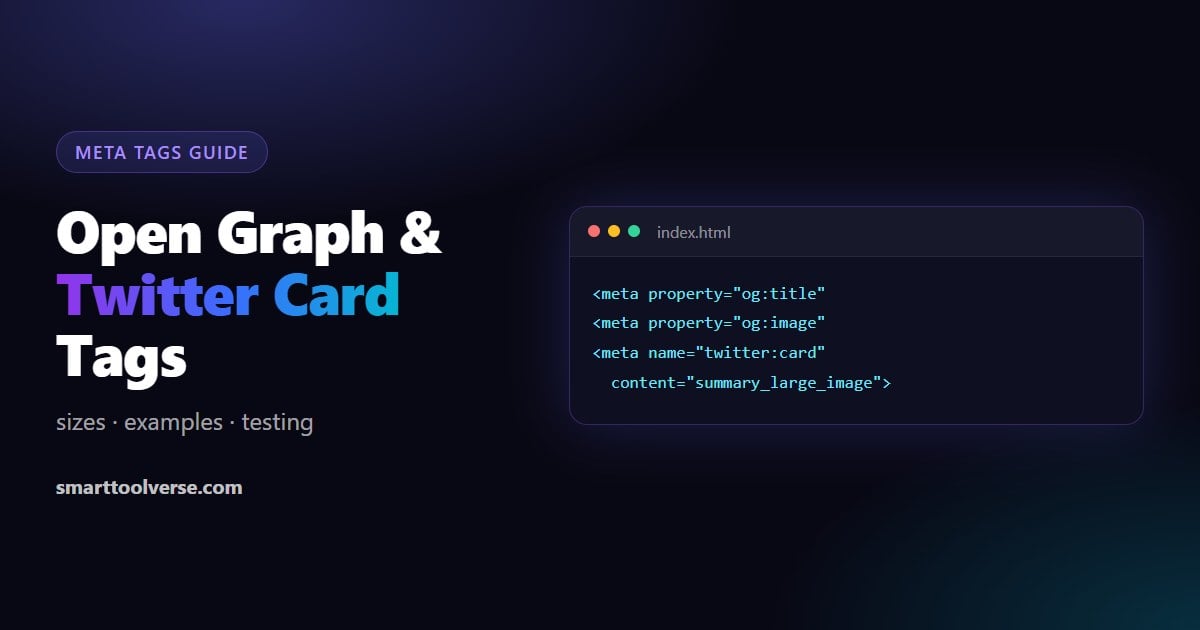
Short answer: add og:title, og:description, og:image and og:url to your page's <head>, plus twitter:card set to summary_large_image. Use a 1200 × 630 image. That gives a full-size preview on Facebook, LinkedIn, X, WhatsApp, Slack and Discord. Our free Open Graph Generator and Twitter Card Generator write the tags for you and show the preview before you publish.
What Open Graph and Twitter Card tags do
When someone shares a link, the app fetches the page and reads a few meta tags to build the preview card: the title, the short description and the image. Without them, the app guesses, and you usually get no image, the wrong text or a bare URL.
- Open Graph (og: tags) was created by Facebook and is now read by almost every app: Facebook, LinkedIn, WhatsApp, Slack, Discord, Telegram, iMessage and Pinterest.
- Twitter Cards (twitter: tags) are read by X. X falls back to the Open Graph title, description and image when its own tags are missing, so the one tag X really needs from you is twitter:card.
These tags do not change your Google ranking directly. They change how your links look when people share them, and a good preview gets far more clicks.
The complete tag set (copy and edit)
Put these inside <head> on every page, with that page's own values:
<!-- Open Graph -->
<meta property="og:type" content="article">
<meta property="og:url" content="https://example.com/blog/my-post">
<meta property="og:title" content="How to Do X in 5 Minutes">
<meta property="og:description" content="One or two sentences that make people want to click.">
<meta property="og:image" content="https://example.com/images/my-post-1200x630.jpg">
<meta property="og:image:width" content="1200">
<meta property="og:image:height" content="630">
<meta property="og:image:alt" content="What the image shows">
<meta property="og:site_name" content="Example">
<meta property="og:locale" content="en_US">

<!-- Twitter / X -->
<meta name="twitter:card" content="summary_large_image">
<meta name="twitter:site" content="@example">
<meta name="twitter:creator" content="@author">
<meta name="twitter:title" content="How to Do X in 5 Minutes">
<meta name="twitter:description" content="One or two sentences that make people want to click.">
<meta name="twitter:image" content="https://example.com/images/my-post-1200x630.jpg">
<meta name="twitter:image:alt" content="What the image shows">
Open Graph tags use property=, Twitter tags use name=. Since X reads Open Graph as a fallback, you can drop twitter:title, twitter:description and twitter:image when they would be the same as the og: values.
What each tag does
| Tag | Required? | What to put in it |
|---|---|---|
| og:title | Yes | The headline of the card. Aim for about 60 characters or fewer so it is not cut off. |
| og:type | Yes | "website" for the home page and tool pages, "article" for blog posts |
| og:image | Yes | A full https:// URL to the image (never a relative path) |
| og:url | Yes | The canonical URL of the page, the same as your rel=canonical |
| og:description | Recommended | One or two sentences, about 110–160 characters |
| og:image:width / height | Recommended | Lets apps show the image on the first share, before they have downloaded it |
| og:image:alt | Recommended | A description of the image for screen readers |
| og:site_name | Optional | Your brand name, shown above the title on some apps |
| twitter:card | Yes for X | "summary_large_image" (big image) or "summary" (small square) |
| twitter:site / creator | Optional | The @handle of the website and of the author |
Image sizes that avoid cropping
| Use | Recommended size | Ratio | Minimum |
|---|---|---|---|
| og:image (Facebook, LinkedIn, WhatsApp, Slack…) | 1200 × 630 | 1.91:1 | 200 × 200 (Facebook) |
| X summary_large_image | 1200 × 628 (1200 × 630 works) | about 1.91:1 to 2:1 | 300 × 157 |
| X summary (small card) | 600 × 600 | 1:1 | 144 × 144 |
- One image for everything: 1200 × 630 works for Open Graph and for X large cards.
- Keep important text in the middle. Some apps crop the edges or show a square version.
- Use JPG, PNG or WebP and keep the file small (a few hundred KB) so previews load fast. X rejects images over 5 MB or larger than 4096 × 4096.
- Make it public. The image URL must load without a login, and must not be blocked by robots.txt or a firewall.
Both our generators check this for you: they load the image, measure it and warn you if it is too small, the wrong shape or not an absolute URL.
Which card type should I use on X?
| Card | Looks like | Best for |
|---|---|---|
| summary_large_image | Full-width image above the title | Blog posts, products, landing pages: almost everything |
| summary | Small square thumbnail next to the title | Profiles, docs pages, pages with only a logo |
How to test and refresh a link preview
Apps cache the preview the first time a link is shared. After you change your tags, you have to ask them to read the page again:
| Platform | How to check and refresh |
|---|---|
| Facebook, Messenger, Instagram links | Facebook Sharing Debugger (developers.facebook.com/tools/debug): paste the URL and click "Scrape Again" |
| LinkedIn Post Inspector (linkedin.com/post-inspector): inspecting the URL also refreshes it | |
| X (Twitter) | Paste the link into a new post: the composer shows the card. X's old Card Validator no longer shows previews. |
| WhatsApp, Telegram, Slack, Discord | Paste the link in a chat with yourself. If an old preview is cached, add a harmless query string such as ?v=2 to test |
You can also check before publishing: our Open Graph Generator shows the link preview and our Twitter Card Generator shows the X card as you type. Both can also load the tags a live page already has, so you can see what is wrong with an existing page.
Why your link preview is not showing
| Problem | Likely cause | Fix |
|---|---|---|
| No image | og:image is a relative path, the image needs a login, or it is blocked | Use a full https:// URL that opens in a private window |
| Old title or image | The app cached the first version | Refresh it with the tools above; WhatsApp and Slack update after a while |
| Small image instead of a large card on X | twitter:card is missing or set to "summary" | Add twitter:card = summary_large_image |
| Image cropped badly | Wrong ratio (for example a square or tall photo) | Use 1200 × 630 and keep text away from the edges |
| Tags are there but ignored | They are added by JavaScript after the page loads | Most apps do not run JavaScript: put the tags in the server-rendered HTML |
| Wrong page in the preview | og:url points to another page (often the home page) | Set og:url to the page's own canonical URL |
Adding the tags in WordPress, Shopify and other platforms
- WordPress: SEO plugins such as Yoast SEO, Rank Math and All in One SEO add Open Graph and Twitter tags automatically. Set a default image in the plugin, and a custom one per post in its "Social" tab.
- Shopify, Wix, Squarespace: the tags are built in. Set the social image in each page's SEO or sharing settings.
- Next.js, Nuxt, Astro and custom sites: output the tags in the page head on the server. Generate them once with our tools and fill in each page's values from your data.
Generate the tags instead of writing them
Our free Open Graph Generator and Twitter Card Generator:
- Write the complete tag set from a simple form
- Show a live preview of the card as you type
- Load the existing tags from any live URL so you can fix them
- Check the image size, shape and URL and tell you what to fix
- Suggest AI-written titles and descriptions if you want ideas
- Copy the tags in one click
FAQ
What size should og:image be?
1200 × 630 pixels (a 1.91:1 ratio). Facebook needs at least 200 × 200, but small images show as a small thumbnail instead of a large card.
Do I need Twitter tags if I have Open Graph tags?
Only twitter:card. X uses og:title, og:description and og:image when the twitter: versions are missing.
Do Open Graph tags help SEO?
Not directly: Google does not rank pages by them. They make shared links look better, which brings more clicks and visitors from social media and chat apps.
Why does Facebook still show my old image?
Facebook cached the preview. Open the Sharing Debugger, paste your URL and click "Scrape Again".
Can I use a different image on X and Facebook?
Yes: put one image in og:image and another in twitter:image. X uses twitter:image when it is present.
🧩 Related Tools
T
Twitter Card Generator
Generate and preview Twitter card meta tags.
SEO & WebsiteW
Website SEO Score Checker
Free SEO score for any page: 55+ checks for technical SEO, keywords, Core Web Vitals, AEO, GEO (AI search), E-E-A-T and schema, with a fix for every issue.
SEO & WebsiteM
Mobile Friendly Test
Quickly check basic mobile-friendliness signals for a page.
SEO & WebsiteRelated Articles
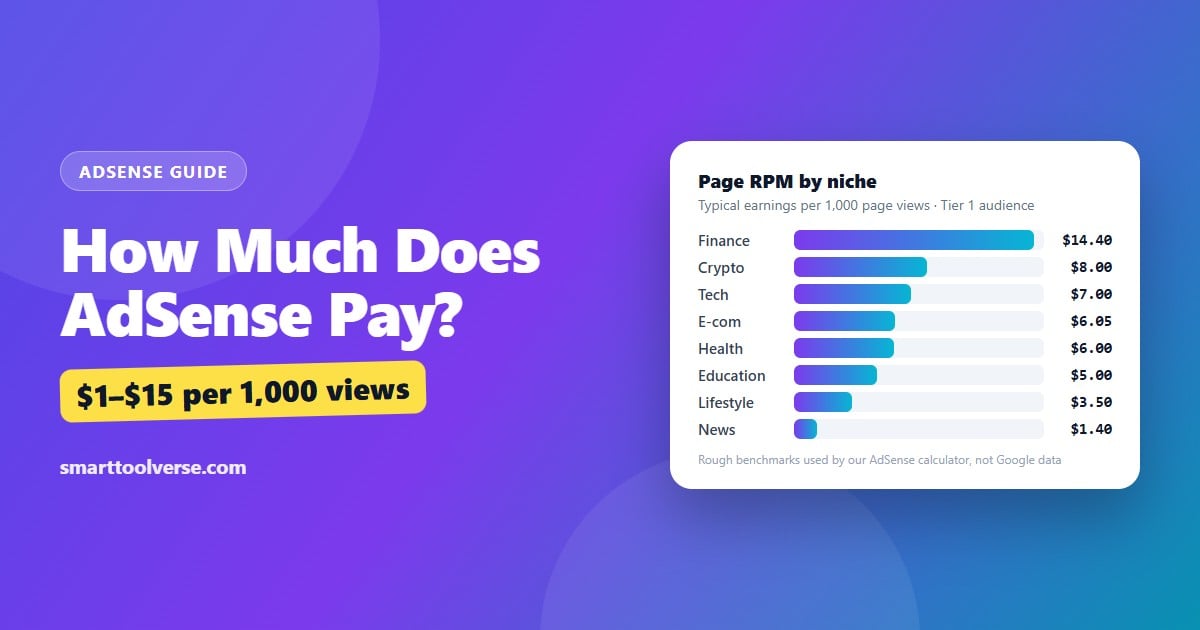
How Much Does AdSense Pay? Earnings per 1,000 Views, RPM by Niche and How to Calculate Yours
How much AdSense really pays: the earnings formula, typical page RPM by niche and audience country, the traffic you need for $100, $1,000 or $3,000 a month, what raises or lowers your RPM, and when Google pays you.
7 min read
What WordPress Theme Is That? 4 Ways to Find Out Any Site's Theme and Plugins
Four ways to find out which WordPress theme a website uses, from a one-click theme detector to reading the page source and the theme's style.css, plus how to spot child themes and plugins and what it means when the theme is hidden.
5 min read
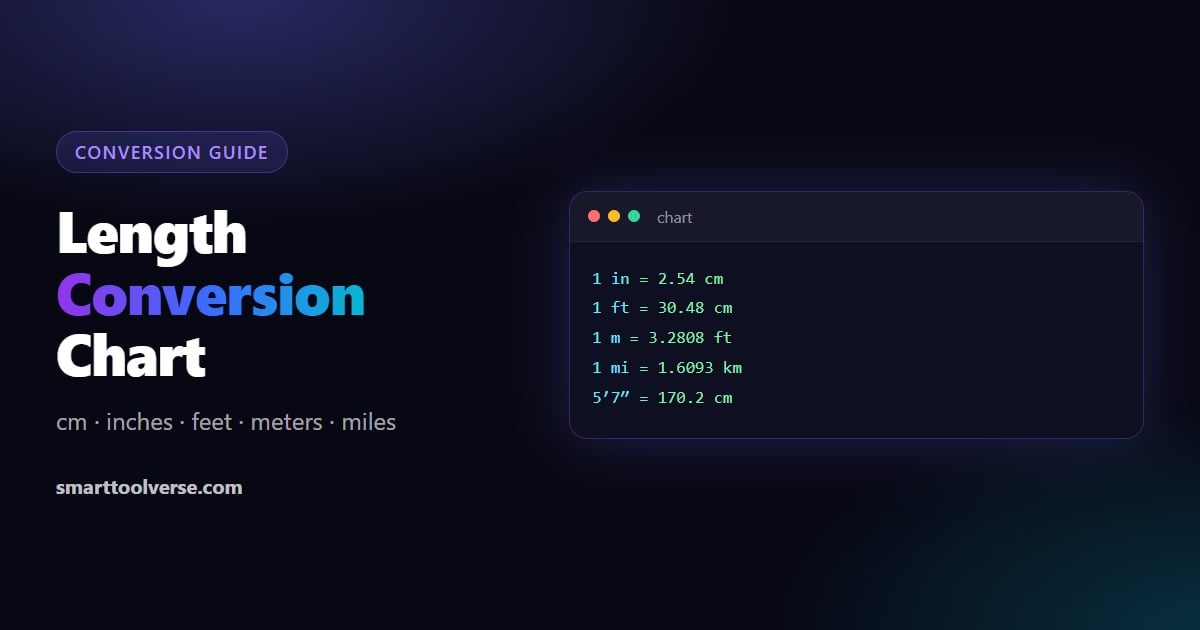
Length Conversion Chart and Formulas: cm, Inches, Feet, Meters and Miles
Every common length conversion in one place: exact formulas, cm to inches and inches to cm charts, a height chart in feet and inches, meters to feet, km to miles, and quick mental shortcuts.
6 min read
Try Our Smart Tools
Put what you've learned into practice with our suite of AI-enhanced tools and smart calculators.