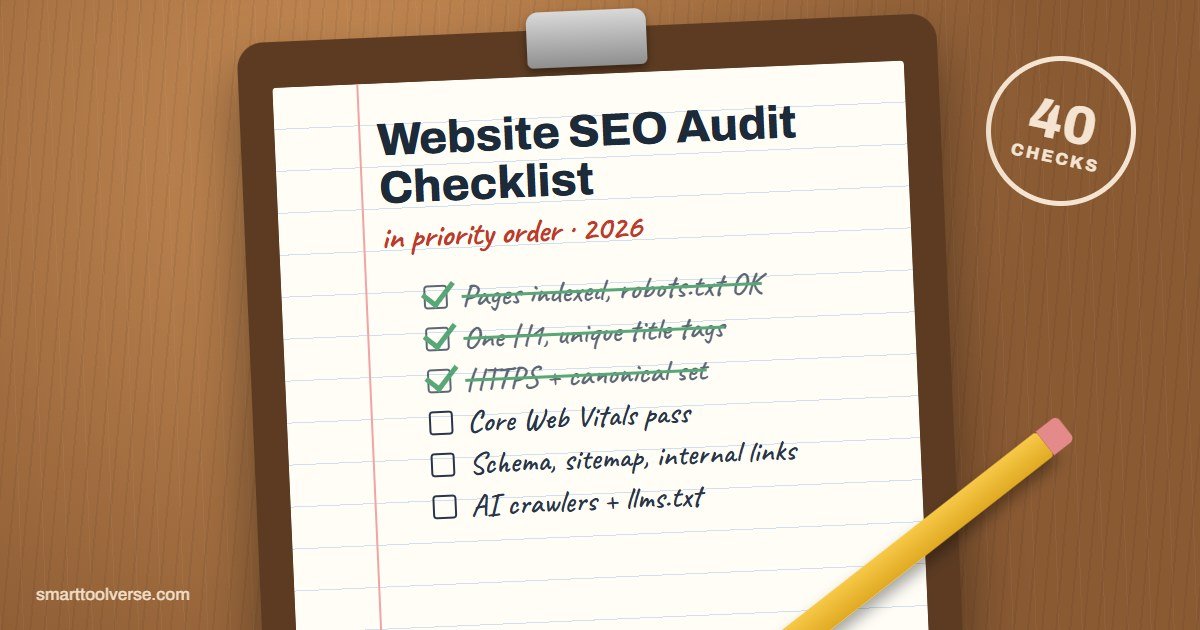
Short answer: an SEO audit checks, in order, that search engines can crawl and index your pages, that the technical setup is sound, and that each page's content, links and markup are clear. The 40 checks below are grouped by area with a one-line way to test each. Our free website SEO audit tool runs many of them on a single page in one pass.
How to do an SEO audit in 5 steps
- Pick your top 10–20 pages by clicks in Search Console, plus one page of each template.
- Run the "do these first" checks site-wide.
- Run the 40 checks on each sample page and log failures in a sheet.
- Fix template-level problems first; one theme fix repairs hundreds of pages.
- Re-test, then request indexing for key pages in URL Inspection.
Do these first: the 10 checks that can block everything
If any of these fails, nothing else on the list matters much yet: #1, #2, #3, #5, #6, #7, #10, #11, #14 and #36.
1. Crawl and index
| # | Check | How to check |
|---|---|---|
| 1 | Page returns HTTP 200 | Fetch it in our HTTP header checker; the status code shows at the top. |
| 2 | Not blocked by robots.txt | Open yoursite.com/robots.txt and look for a Disallow rule matching the path; Search Console has a robots.txt report. |
| 3 | No accidental noindex | Look for <meta name="robots" content="noindex"> in the source and an X-Robots-Tag header in the response. |
| 4 | XML sitemap exists and is submitted | Open /sitemap.xml, check for a Sitemap: line in robots.txt, then look at the Sitemaps report in Search Console. |
| 5 | Page is indexed | Run the URL in Search Console's URL Inspection tool; check the Page indexing report for site-wide gaps. |
| 6 | Canonical points to the preferred URL | View source and find <link rel="canonical">; it should be the URL you want ranked. |
Two rules from Google that trip people up: robots.txt "is not a mechanism for keeping a web page out of Google" (robots.txt intro), and for noindex to work the page "must not be blocked by a robots.txt file" (Block indexing with noindex). Use one or the other, not both.
A sitemap is limited to 50,000 URLs or 50 MB uncompressed, and Google ignores priority and changefreq (Build a sitemap). It should list only pages you want indexed: our XML sitemap generator crawls your site, obeys robots.txt and keeps only pages that return 200, are not noindex and are their own canonical.
2. Technical
| # | Check | How to check |
|---|---|---|
| 7 | HTTPS, with HTTP and www variants redirecting to one version | Request http://, https://www. and https:// versions in the HTTP header checker; each should end on the same URL. |
| 8 | One redirect hop at most, no loops | The HTTP header checker lists the full redirect chain with each status code. |
| 9 | Missing pages return a real 404 | Request a made-up URL like /xyz-test; a "not found" page that returns 200 is a soft 404. |
| 10 | Mobile-friendly layout | Run the Mobile Friendly Test: viewport tag, layout width, pinch-zoom, fixed-width elements and a phone preview. |
| 11 | Main content readable without JavaScript | Compare View Source with the page, or check the crawled HTML in URL Inspection. |
| 12 | No mixed content | Browser console warnings, or the audit's Mixed content check, flag http:// images and scripts on https:// pages. |
| 13 | html lang set, and hreflang if you have translations | Look for <html lang="en">; hreflang pairs must point at each other. |
Google uses the mobile version of a page for indexing and ranking (mobile-first indexing), even if most of your visitors use desktops.
3. On-page
| # | Check | How to check |
|---|---|---|
| 14 | Unique, descriptive title tag | View source, or a crawl export for the whole site: no duplicate or empty titles; the main topic comes first. |
| 15 | Unique meta description | View source; each page should have its own summary, not the site-wide default. |
| 16 | One H1 that states the topic | Inspect the page headings; exactly one H1. |
| 17 | Logical H2 and H3 order | No jumps from H2 to H4; headings read like an outline. |
| 18 | Alt text on meaningful images | Search the source for <img tags with empty or missing alt. |
| 19 | Short, readable URL | Lowercase words with hyphens, no session IDs or long query strings. |
Google writes its own title link and snippet when yours don't fit the page (title links). There's no length limit on a meta description, but identical descriptions across pages "aren't helpful" (snippets).
4. Content
| # | Check | How to check |
|---|---|---|
| 20 | The first paragraph answers the search | Read the top 100 words: would someone who searched the main query get their answer? |
| 21 | Original, people-first content | Answer the self-assessment questions in Google's helpful content guide. |
| 22 | Clear author and date | A visible byline, ideally linking to an author page, and a published or updated date. |
| 23 | No thin or near-duplicate pages | Search Console's "Duplicate without user-selected canonical" status, or two pages ranking for the same query. |
| 24 | Facts backed by sources | Numbers and claims link to a primary source. |
5. Internal links
Google "can only crawl your link if it's an HTML element" with an href, and good anchor text is "descriptive, reasonably concise, and relevant" (Link best practices).
6. Structured data
| # | Check | How to check |
|---|---|---|
| 30 | Valid JSON-LD with no syntax errors | Paste the URL into Google's Rich Results Test. |
| 31 | Right type with required properties | Article, Product, Organization or BreadcrumbList as fits the page; the test lists missing required fields. |
| 32 | Markup matches visible content | Every value in the markup (price, rating, author) must be on the page too. |
Check what Google still shows before you add markup for a feature. FAQ rich results, for example, no longer appear in Google Search as of May 2026 (FAQPage documentation).
7. Speed and Core Web Vitals
| # | Check | How to check |
|---|---|---|
| 33 | LCP within 2.5 seconds | PageSpeed Insights field data, or the Core Web Vitals report in Search Console. |
| 34 | INP under 200 milliseconds | Same reports; INP needs real-user data, so lab tests only estimate it. |
| 35 | CLS under 0.1 | Same reports; images without width and height are a common cause. |
These are Google's "good" thresholds (Core Web Vitals). The audit tool's speed tab runs a mobile PageSpeed Insights test for the page you entered.
8. AI search (GEO, AEO and llms.txt)
| # | Check | How to check |
|---|---|---|
| 36 | AI search crawlers are not blocked | Our AI crawler checker reads robots.txt for each bot and fetches the page with each bot's user agent to catch firewall or CDN blocks. |
| 37 | A deliberate choice on AI training crawlers | Decide on GPTBot, ClaudeBot and Google-Extended separately from the search bots. |
| 38 | Indexed and eligible for a snippet | No nosnippet or max-snippet:0 on pages you want cited; see #5. |
| 39 | Answer-first passages under question headings | Each H2 that asks a question is followed by a short, direct answer. |
| 40 | llms.txt (optional) | Check or draft one with the llms.txt generator. |
Google says there are no extra requirements to appear in AI Overviews or AI Mode: a page must be indexed and eligible to show with a snippet, and "you don't need to create new machine readable files, AI text files, or markup" (AI features and your website). Blocking Google-Extended "does not impact a site's inclusion in Google Search" (Google common crawlers).
Other engines work differently. OpenAI says sites that block OAI-SearchBot "will not be shown in ChatGPT search answers", while GPTBot is its training crawler (OpenAI crawlers). llms.txt is a community proposal, not a standard any search engine requires, so treat #40 as cheap and optional.
# robots.txt: allow AI search, block AI training
User-agent: OAI-SearchBot
Allow: /

User-agent: GPTBot
Disallow: /

User-agent: Google-Extended
Disallow: /

Sitemap: https://example.com/sitemap.xml
9. Off-page basics
- Share previews: load your page in the Open Graph generator to see its existing og:title, og:description and og:image and a link-card preview.
- Links you earned, not bought: review the Links report in Search Console; paid links that pass ranking credit break Google's spam policies.
- A consistent brand identity: the same name, logo and profile links across your site, Organization markup and social accounts.
Which free tools check which items
| Tool | Checks |
|---|---|
| Website SEO audit (ours) | 1–4, 6–8, 10–20, 22, 24, 27, 28, 30, 31, 33–36, 39, 40 |
| Get HTTP Header | 1, 3 (X-Robots-Tag), 7, 8, 9 |
| Mobile Friendly Test | 10 |
| XML Sitemap Generator | 4 (builds a clean one) |
| AI Crawler Checker | 2, 3, 4, 11, 36, 37, 40 |
| llms.txt Generator | 40 |
| Google Search Console | 2, 4, 5, 9, 23, 33–35, links report |
| PageSpeed Insights / Rich Results Test | 33–35 / 30–32 |
Our audit marks each item pass, improve or fix; for what its overall number means, see what a good SEO score is.
FAQ
How often should you run an SEO audit?
A full audit once or twice a year, plus the "do these first" checks after any redesign, migration, theme or plugin update. Watch the Page indexing report monthly.
What is the difference between a technical SEO checklist and an on-page SEO checklist?
Technical checks (sections 1, 2 and 7) are about whether search engines can reach and render the site, and are usually fixed once in templates or server settings. On-page checks (sections 3 to 6) are about each page's content and markup, and are fixed page by page.
Do I need an llms.txt file for AI search?
Not for Google, which says no AI text files are needed. Other AI tools may read it, so it is a small optional addition, not a priority.
Start with one important page: run it through our free SEO audit, work through any failed "do these first" items, then move down the checklist section by section.